Macgi
Clothing store website design is not just about looking like a fashion brand. It is about answering the two questions every apparel shopper asks: “Will this fit me?” and “What will it really look like on my body?” A beautiful site that hides sizing, slows down on mobile, or buries the return policy creates doubt. The stores that convert make the decision path simple. This guide covers navigation, filters, product page essentials, mobile layout, speed, trust pages, build options, and a launch checklist for small and international fashion stores.
Navigation: categories, size, and filters that match how shoppers shop
Use category names real customers search for
Your navigation should follow the words shoppers use, not only your internal collection names. A menu item called “New Arrivals” tells shoppers what is new, but not what you sell. “Dresses,” “Tops,” “Pants,” “Skirts,” and “Matching Sets” are clearer for first-time visitors.
If you sell for occasions, add a second layer only when it helps: “Workwear,” “Evening,” “Casual,” or “Vacation.” Avoid grouping everything under vague labels like “Lookbook” or “Collection 02” unless that is also linked to real product categories.
Make size and fit a navigation path
For fashion stores, size is often more important than color. If your catalog has plus-size, petite, tall, or numbered sizes, make size a visible filter on collection pages. On mobile, the size filter should not be hidden behind three taps.
Practical setup:
- On Shopify, use the theme’s filter settings or a collection filter app, and add size as a filter option if your product variants are set up correctly.
- On WooCommerce, use a product filter plugin or configure the widget in the shop sidebar.
- On Haravan and Sapo, check the theme’s collection page settings. If size filtering is not available natively, you may need a custom HTML block or a developer to add filter controls.
- On a custom site, implement size filters as URL parameters such as
/collections/dresses?size=Mso customers can share links.
Filters that reduce dead ends
Useful collection filters for clothing stores:
- Size
- Color
- Price range
- Length or fit, if relevant
- Fabric or style, such as “linen,” “knit,” or “denim”
Avoid adding filters with zero products. A shopper who selects “XL” and sees an empty page will often leave the site instead of going back. If a filter is temporarily empty, hide it or show a clear “notify me when available” message.
Product page essentials for apparel
A clothing product page should feel like a well-trained salesperson: clear about choices, honest about fit, and quick to answer objections. Focus on the first screen, variants, size guidance, and delivery information.
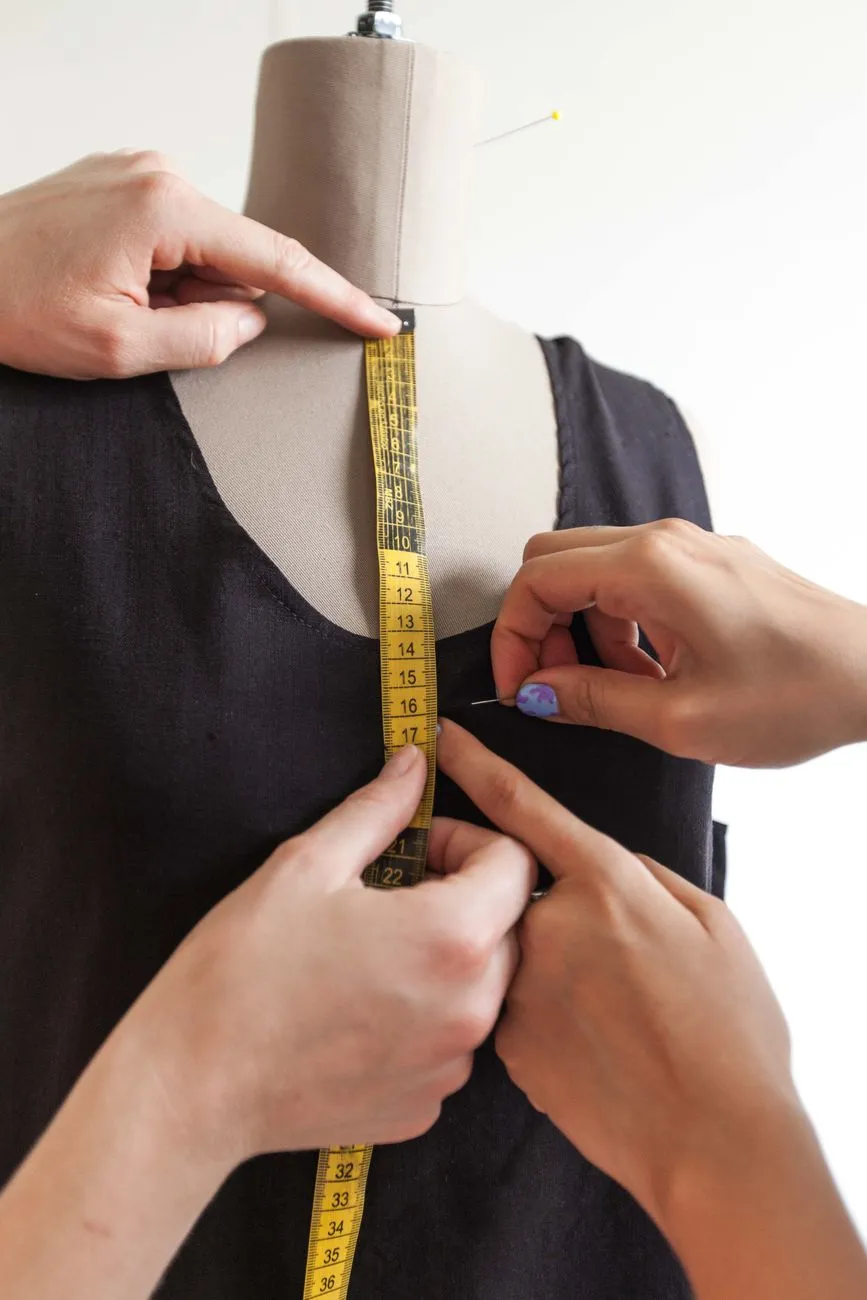 Photo: Los Muertos Crew / Pexels
The first screen: image, price, size, add to cart
On the first screen of a product page, shoppers should see:
- The main product image, large enough to see fabric texture
- Price and any variant price changes
- Size selector
- Add to cart button
- A short line about delivery or return timeframe
Do not force shoppers to scroll past long storytelling or model editorial shots before they can add an item. Keep the buying action above the fold on mobile.
Good wording for the size selector:
S — bust 84–88 cm, waist 64–68 cm
M — bust 88–92 cm, waist 68–72 cm
Bad wording:
Select size
A measurement hint near the size selector can prevent guesswork. Link to your size guide or a page like how to measure clothing for a size chart.
Color and variant handling
If a product comes in multiple colors, the product image should change when the shopper selects a swatch. Label color names descriptively: “Olive Green” is easier to remember than “Green 02.” For more detail, see how to use color swatches on product pages.
When photos are not yet available for every color, do not show a swatch that links to an identical photo without saying so. Mismatched images create return risk.
Size guidance and fit details
Include fit details that are not visible in the photo:
- True to size, runs small, or runs large
- Model’s height and worn size
- Garment length from shoulder or waistband
- Stretch level, if relevant
- Fabric weight and feel
For example:
Mia is 168 cm tall and wears size M. This dress is fitted at the bust and relaxed through the hip. Measurements are taken flat and doubled where applicable.
Avoid vague phrases like “flattering fit” without a reference. If you have a detailed size chart, link to a page such as dress size chart: bust, waist, hip and length by style.
Delivery, return, and stock signals near the button
Next to or below the Add to cart button, answer the three objections that block checkout:
- “When will I get it?” — e.g., “Ships within 2 business days”
- “What if it doesn’t fit?” — e.g., “30-day return for unworn items”
- “Is it available?” — show low-stock indicators only when true
Bad wording:
All sales are final. No refunds.
Better wording if you accept returns:
Return unworn items within 30 days. See our return policy for details.
If you are in Vietnam, check current consumer-protection rules for online sales and returns before publishing your policy. Platform rules also change, so confirm the latest official requirements.
Mobile-first layout: put the decision path in one thumb scroll
Most fashion store traffic comes from phones. Mobile design should not be a smaller version of desktop; it should be reordered around the buying decision.
Reorder for mobile
On a mobile product page, the order should usually be:
- Product image
- Product name and price
- Size and color selector
- Add to cart button
- Fit note and size guide link
- Description, fabric, care
- Reviews or social proof
- Delivery and returns
Keep the image gallery simple. A swipeable gallery is fine, but a large carousel with five lazy-loaded hero images can slow the page.
Sticky Add to cart and quick size access
On long product pages, a sticky Add to cart bar can help shoppers decide after reading. The sticky bar should include the selected size or a prompt to choose one. If the shopper has not selected a size, tapping Add to cart should open the size selector, not show an error message far down the page.
Test on real phones
Open your product page on a mid-range Android phone and an older iPhone if possible. Check:
- Tap targets are large enough for a thumb
- Size and color swatches are visible without zooming
- Text is readable without horizontal scrolling
- Add to cart is reachable in one or two thumb motions
Speed and technical performance for fashion catalogs
Compress and resize images
Product photos are usually the heaviest part of a fashion page. Use WebP or AVIF formats when supported, compress JPEGs, and load only the size needed for the container. Many fashion sites upload 4000px studio photos and display them at 600px. Resize before upload or use an image CDN.
Limit scripts and carousels
Each plugin, chat widget, popup, and analytics script adds weight. On clothing stores, the most common speed problems are:
- Large homepage slideshows
- Too many apps loading on product pages
- Unoptimized model images in galleries
- Video files set to autoplay
If you add a script, ask what it does and whether it can load after the main content. A small async script is fine; a render-blocking script in the head can delay the entire page.
 Photo: Nataliya Vaitkevich / Pexels
Simple speed checks
Use free browser tools to check page weight and loading behavior. Watch for:
- Largest image size
- Number of requests
- Whether images are lazy-loaded
- Whether your product page shows visible content quickly
Speed is not a one-time task. After adding a plugin or theme update, test the product page again.
Trust pages and size/return information
Trust pages are part of the sale. They should be easy to find from the header, footer, and product page.
Size guide, delivery, returns
Create dedicated pages for:
- Size guide with measurements and how to measure
- Delivery options and processing time
- Return and exchange policy
- Payment methods accepted
On product pages, link to these pages near the size selector and Add to cart button. Avoid PDF-only size guides because they are hard to read on mobile.
Contact and about page
A clothing store needs a real contact page and a short about page. Include:
- Email or contact form
- Response time expectation
- Business name and location, if applicable
- A short brand story that helps shoppers trust you
For small boutiques, a clear “we check messages within 24 hours on business days” line is more useful than a generic “contact us.”
Payment and COD trust for Vietnamese stores
If you accept cash on delivery, show it clearly on the product page and checkout. Many shoppers want to know:
- Is COD available?
- Are there extra fees?
- What happens if the item does not fit?
Do not state a fee or deadline unless you have verified the current platform and shipping rules. Check the official source for any Vietnamese tax, consumer-protection, or platform fee changes before publishing numbers.
Build options: theme, page builder, or custom
Start with a platform theme and extend it
You do not need a custom website to launch a clothing store. Start with a theme that supports the product page structure you need, then extend with apps or small code changes.
For most stores, the right build order is:
- Choose a platform that fits your selling channel
- Start with a quality theme
- Add only necessary apps or plugins
- Customize the pages that affect conversion
- Move to custom development only when a specific need exists
WooCommerce stores
On WooCommerce:
- Choose a theme that supports the block editor or page builder you prefer
- Use product attribute filters for size and color
- Add a size chart plugin or a custom tab on the product page
- Use a child theme if you edit template files
- Test with a caching plugin and optimized images
Shopify stores
On Shopify:
- In the theme editor, configure product page sections such as image gallery, buy buttons, size chart, and trust badges
- Use product options or metafields for size guide content
- Add collection filters through the theme or an app
- Add custom HTML or tracking scripts in the theme settings area
- Keep app count low on high-traffic product pages
Haravan and Sapo stores
Haravan and Sapo are common for small Vietnamese fashion shops. Both allow theme editing and custom HTML blocks:
- Look for the theme’s product page settings to add size guide content or trust badges
- Use collection page settings for filters where available
- Add conversion or analytics scripts in the theme’s header or body settings
- If a native size guide or filter option is missing, use custom HTML or ask a developer to add it to the template
If you later move to Shopify, WooCommerce, or a custom site, keep your product photos, size charts, and measurement data organized so they can be reused.
Page builder vs custom build
A page builder is usually enough for fashion stores that want better landing pages without full custom development. Custom development makes sense when you need:
- A specific size‑recommendation tool
- A custom product configurator
- Deep integration with local delivery or inventory systems
- Performance optimization beyond what a theme and plugins can do
For most stores, the problem is not the platform. It is unclear product data, weak size information, and too many slow scripts.
Launch checklist and what to measure
Before launch
- Product pages show size, color, price, and Add to cart above the mobile fold
- Size guide is linked near the size selector
- Images change correctly when swatches are selected
- Navigation works on a small phone without horizontal scrolling
- Delivery, payment, and return pages are reachable from footer and product page
- Product photos are compressed and lazy-loaded
- Checkout works with a test order
- Analytics and search console are installed before launch
- Product links from Facebook, TikTok, Zalo, or Instagram open the correct product page
First two weeks after launch
- Watch product page views, add-to-cart rate, and checkout completion
- Look for filter pages with no results
- Check search terms in your site search or analytics
- Test common phone sizes and slow mobile connections
- Review size-related customer questions and add answers to product pages
Metrics to watch
Use conversion rate as your main health metric, but watch the steps before it:
- Product page views per order
- Add-to-cart rate
- Size selector interaction or size-related exits
- Search exits with no results
- Checkout abandonment
For example, if a shop has 200 orders and 30 are returned, the return rate is 15%. If size questions appear repeatedly, the fix is usually better size content, not more traffic.
One addition many fashion stores test on product pages is a virtual try-on button next to Add to cart. Instead of asking shoppers to imagine the fit from flat photos, the button lets them use their own photo and see the product on themselves. If you want to test this on your product pages, you can try Macgi’s free beta.
FAQ
Do I need a custom website to sell clothes online?
No. A good platform theme with clear product pages, filters, size guides, and trust pages is enough for most small fashion stores. Move to custom development only when you have a specific technical or conversion need that themes and apps cannot solve.
What should go above the fold on a product page?
The main image, price, size selector, Add to cart button, and a short delivery or return note. Descriptions and brand storytelling can come after the shopper can act.
How do I add a size chart to my store?
On Shopify, use a theme block or metafields to add size chart content to the product page. On WooCommerce, use a plugin or add a tab in a child theme. On Haravan or Sapo, use the theme’s product page settings or add custom HTML. Always link to the size chart near the size selector.
How fast should a clothing product page load?
There is no single number that fits every store, but faster is always better for shoppers. Test on real mobile devices, compress product images, limit scripts, and remove carousel slides that are not used. Focus on visible content appearing quickly.
Can I start with a free theme?
Yes. Start with a free or low-cost theme that supports the product page structure you need. Spend your early budget on better product photos, accurate size charts, and testing the buying flow before paying for a premium theme or custom development.