Macgi
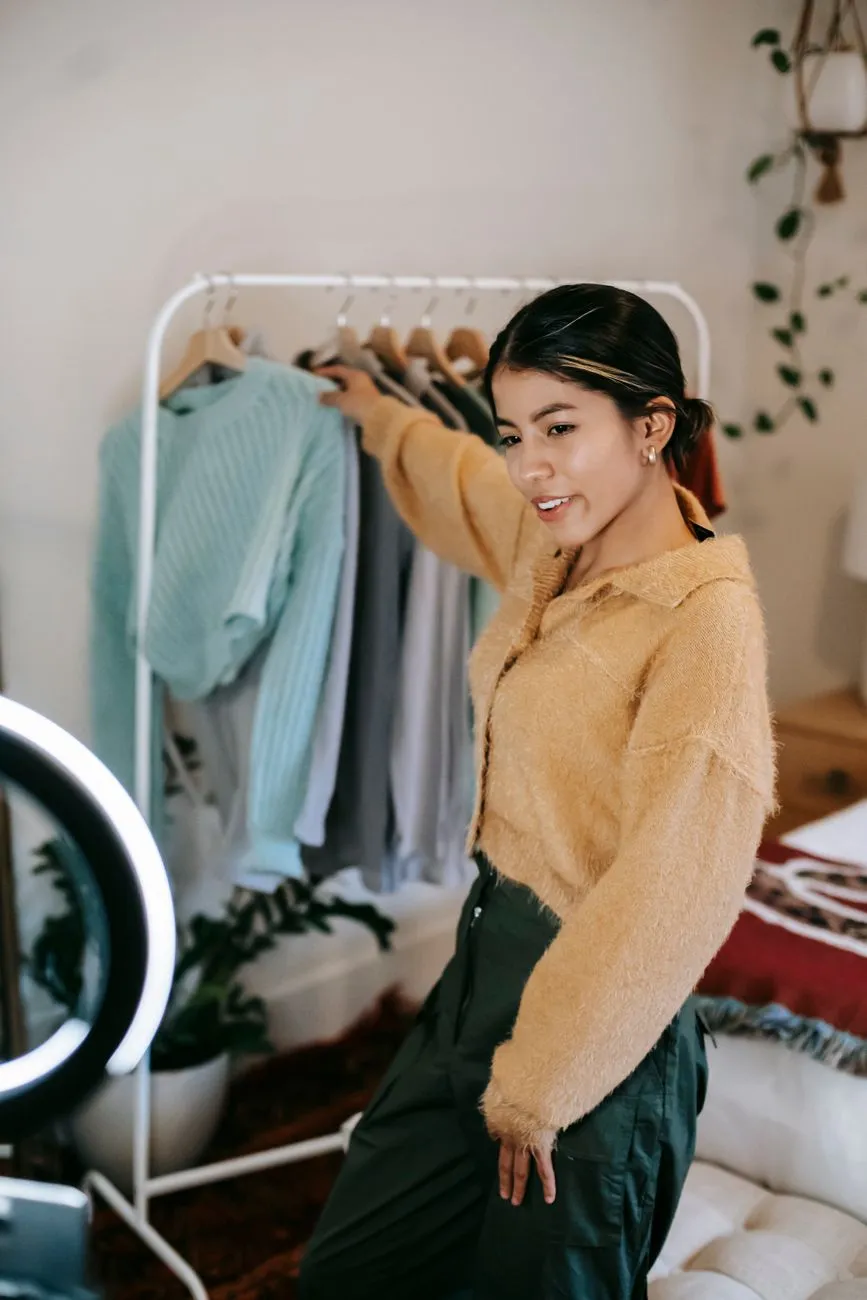
Live selling clothes is not a catalog video. The viewers are present, the size questions are immediate, and the order window is short. A fashion live that captures orders usually follows a clear sequence: product order, fit proof, comment handling, pinned offers, order capture, and follow-up. This guide breaks that sequence into a repeatable plan for small shops.
1. Start with the live’s job and product limit
Before choosing outfits, decide what this live should do. A live that tries to sell 30 items, introduce a new collection, clear old stock, and answer styling questions at the same time usually becomes noisy and hard to buy from.
Pick one primary job. For example:
- Sell 12–15 spring dresses and clear slow sizes.
- Introduce a new denim drop and collect size pre-orders.
- Move last week’s slow-moving stock with a simple bundle offer.
- Show how the same item fits on different body types, then direct viewers to the product page.
Then set a product limit. A practical one-hour fashion live can usually handle 8–15 items if you show fit, repeat price and size, and read comments. More than that often turns into a fast catalog scroll. If a viewer joins late, they should still be able to understand the current item.
2. Build a product run order that holds attention
Think of the product order like a playlist, not a warehouse list.
A simple structure:
- Open with a strong but not expensive item — something visually clear, available in multiple sizes, and easy to explain.
- Follow with a mid-range item that photographs well on camera — this keeps the audience from dropping off after the first few minutes.
- Put the most anticipated item around the middle — by then, more viewers have joined, but attention is still high.
- Place matching items next to each other — top, bottom, dress, outerwear. This makes it easier to sell a complete look.
- Save clearance or low-stock items for the later part — but still tell viewers exactly how many pieces are left.
- Close with one clear offer or next step — such as a pinned product page, a size-check message, or a follow-up live.
For each item, have a one-line product script ready. Example:
“This is the linen midi dress, item 033. Sizes S to L. The model is 1.6 m and wears size M. Please comment ‘033 M’ to order. Price is 590,000 VND, delivery 2–4 days.”
Keep the price, size range, and ordering command visible in the video or comments rather than saying them only once.
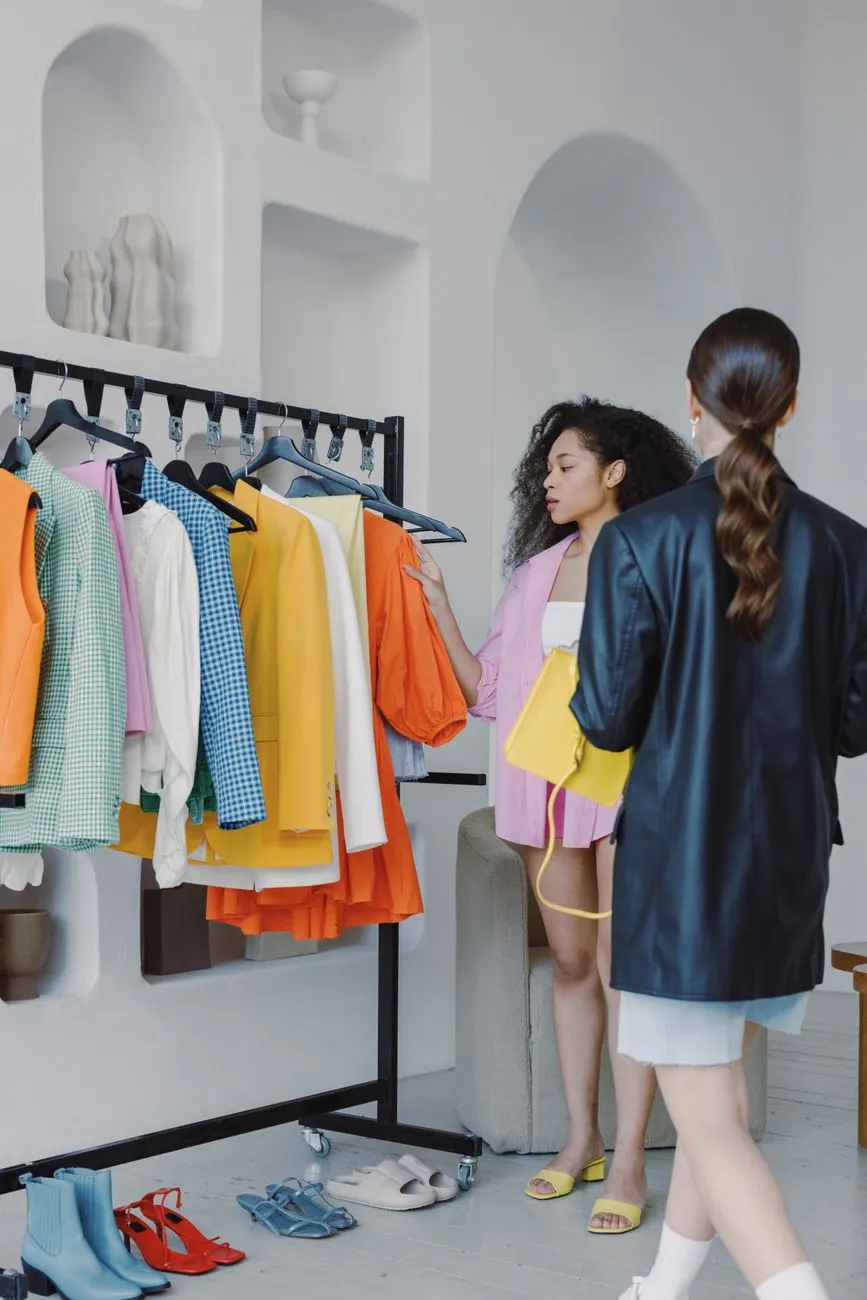 Photo: Ron Lach / Pexels
3. Show fit on different bodies with honest references
Fit is the biggest live-selling objection. Viewers cannot touch the fabric or try the item on, so they need visual references and exact measurements.
Choose a fit reference panel
If possible, show the same garment on more than one person. A size M model and an XL team member can help more than five shots of the same person from different angles.
For each person, state:
- Height
- Usual clothing size
- Bust, waist, and hip measurements if relevant
- The size they are wearing in the live
That lets the viewer compare themselves to a person, not to an abstract size chart.
Talk in measurements, not promises
Avoid phrases like “fits everyone” or “super stretchy” unless the fabric really behaves that way. Better wording:
“The waist on the size M measures 70 cm flat. The fabric has 5% elastane, so there is a little give, but I would not size down if you are between sizes.”
This sets realistic expectations and reduces returns.
Use a size range or alternates
When a viewer asks “I’m usually M, should I get M or L?”, answer with the garment measurement and the person’s measurement, not just “M should be fine.” If the style runs small or large, say so directly. Pair this with a clear size chart on the product page. If you need a starting point for measurements, see Dress Size Chart: Bust, Waist, Hip and Length by Style.
4. Read comments like a queue and handle size questions
A live comment section moves fast. If one person does both presenting and order taking, size questions get missed and buyers leave.
Set up a comment catcher
Use at least two people:
- One person presents the clothes and speaks to the camera.
- One person watches comments, pins the offer, records orders, and quietly passes the presenter the most common questions.
The comment catcher should have access to the product list, size ranges, stock counts, price list, and shipping rules before the live starts.
Create reply templates
Prepare saved replies for common questions. Examples:
- Price: “Item 033 is 590,000 VND. Comment ‘033 M’ to order.”
- Size: “The model is 1.65 m and wears S. Please tell us your height and usual size; we will confirm before payment.”
- Shipping: “Delivery takes 2–4 working days in major cities, 4–7 in provinces. We will confirm the exact date by message.”
- Stock: “Only 3 pieces left in size L. We will check after you comment.”
- Payment: “We will send a payment link by message. Please do not pay to any personal account not shown in our official page description.”
These shorter replies keep the live moving without using inaccurate numbers or making promises on the spot.
Use size questions as a signal. If many viewers ask the same thing about an item, stop and measure it on camera. Show the tape measure against the garment. That is more useful than repeating “sizing is normal.” For more detail on helping customers choose sizes, see How to Help Customers Choose the Right Size Online for Boutiques.
5. Pin offers and ordering steps clearly
Most live platforms let you pin a comment or product description. If yours does not, display a printed sign behind the presenter or place the text in the video overlay.
What to pin
A good pinned offer includes:
- Item code and name
- Price and currency
- Available sizes and quantities
- The exact comment format to order
- Delivery area and expected time
- Payment method
- Any bundle or discount rule
Example pinned text:
“Item 033 Linen Midi Dress — 590,000 VND. Sizes S/M/L. Comment: 033 + size. Delivery 2–4 days. Pay by bank transfer or COD. Bundle: buy any 2 dresses, free shipping.”
Good and bad pinned wording
Good:
“Comment ‘033 M’ to order. We will confirm stock and send a payment link within 15 minutes.”
Bad:
“Cheap dress today, order fast.”
The bad version does not tell a new viewer what to do, what size is left, or how payment works. Viewers who join late need to place an order without having seen the earlier explanation.
 Photo: Nataliya Vaitkevich / Pexels
6. Capture orders without overselling
A comment like “033 M” is not yet an order. You need a consistent way to capture the customer, item, size, quantity, and payment preference without double-selling stock.
Order form template
Keep a simple sheet or form with these columns:
- Order ID or comment timestamp
- Customer name
- Phone or contact method
- Item code and name
- Size
- Color
- Quantity
- Delivery address or pickup point
- Payment method
- Note or fit question
When stock is low, confirm availability before moving to payment. Do not mark an item as sold until the customer has provided contact details and you have confirmed the size.
Platform notes for Haravan, Sapo, WooCommerce, Shopify
The ordering method depends on where the live happens and where your catalog lives.
- Facebook, TikTok, Zalo, Instagram: Some platforms have native order or checkout features, but availability and fees change. Check the current official platform documentation before relying on a feature.
- Shopify and WooCommerce: If your live is off-site, pin the product page link in the comment and ask viewers to order there when possible. If you collect orders manually, enter them into your store immediately after the live so stock stays accurate.
- Haravan and Sapo: Many Vietnamese shops run their catalog on Haravan or Sapo. If your product pages are there, use them as the final confirmation step. Ask viewers to send a message, then share the product link for payment or order confirmation. Do not rely on video comments alone if your store cannot see stock in real time.
For shops that ship cash on delivery, protect the order list. A viewer who comments but does not reply to confirmation is risky. For more on avoiding fake orders, see How to Prevent Fake COD Orders: 7 Strategies for Online Shops.
7. Follow up after the live before interest cools
Most live orders are not complete when the stream ends. The follow-up decides whether the order is paid and whether the size is right.
Confirmation and size check
Within a few hours after the live, send each buyer a short confirmation:
“Hi [name], thank you for ordering the Linen Midi Dress 033 in size M. We have 1 piece reserved for you. Please confirm your delivery address and preferred size before 6 PM today. If you are between sizes, tell us your height and we will recommend before packing.”
This step catches fit mistakes before shipping. It also gives you a chance to correct stock or pricing errors.
Payment and shipping expectations
Tell the customer exactly what happens next:
- When they will receive the payment link
- How long they have to pay
- When you will pack and ship
- What to do if they want to change size or cancel
If you use the product page as the final size reference, include a link to the size chart or product page in the message.
8. Measure the live and improve next time
You do not need a dashboard to improve. Track a few simple numbers after each live.
Worked example:
- 80 viewers watched at least part of the live.
- 25 people sent an order or size question.
- 12 orders were confirmed.
- 4 orders were canceled due to wrong size or no reply.
- 2 items sold out during the live.
From this, you can see confirmation rate, size-question volume, and whether the most-asked item was the one you expected. If 20 viewers asked about size but only 5 ordered, your fit references or size range need work. If most orders came from the first 3 items, your opening item is doing its job.
Review comments afterward and add new reply templates. If “How does this fit on a tall person?” came up repeatedly, plan a height reference for the next live.
After the live, the product page is where the decision often happens. A virtual try-on button next to Add to cart lets a shopper judge the look on their own body before committing, which is especially useful when they missed the live or are still unsure about fit. Macgi makes an AI virtual try-on widget that uses your existing product photos and works on Shopify, WooCommerce, Haravan, Sapo or any site where you can add HTML. If you want to reduce the “it looked different on me” feeling, try Macgi’s widget in the free beta.
FAQ
How many products should I show in one live?
A practical range is 8–15 items for a one-hour live. Fewer products with better fit explanations usually convert more reliably than a fast catalog dump.
What should I do if someone asks for a size I don’t have?
Say so clearly on camera. Offer the nearest size with measurements, or collect a pre-order if the item can be restocked. Do not pressure the viewer into a size that does not match their measurements.
How do I avoid overselling during a live?
Use one order sheet and update it after every confirmed order. Do not treat a comment as a sale until you have confirmed the customer, item, size, and contact method. If stock is low, say the remaining quantity on camera before accepting the next order.
Should I discount every item in a live?
No. Discounts can help clear slow stock, but constant discounts train viewers to wait for the next sale. Use a specific offer, such as free shipping on two items or a small discount on the last piece, and end it clearly.
Do I need a booking or checkout app for a live?
Not always. A shared order sheet with clear columns is enough for small shops. However, the order must still lead to a reliable payment and shipping step. Use your existing Shopify, WooCommerce, Haravan, Sapo, or platform product page as the final confirmation when possible.