Macgi

Fake COD orders and refused parcels are not the same problem, but they share the same painful result: you pay for packaging and shipping, the order never becomes revenue, and the item may come back late, damaged, or not come back at all. Some refusals are malicious. Many are avoidable. A shopper may order on impulse, worry about the wrong size, find the delivery too slow, or never intended to receive the parcel in the first place.
The goal is not to remove cash on delivery. COD is still a powerful trust tool, especially for newer online fashion shops and customers who do not want to pay in advance. The goal is to filter out the orders that are unlikely to be completed and reduce the reasons a real buyer changes their mind at the door.
Here are seven practical strategies, in order from “before you ship” to “after the parcel comes back.”
1. Confirm high-risk COD orders before you pack
A short confirmation step removes many fake orders and prank orders before they cost you shipping. It also catches real customers who entered a wrong size, wrong address, or no longer want the item.
Which orders to confirm first
Do not call every customer. Focus on orders that have one or more risk signals:
- First-time COD customer with a high-value order
- Order value much higher than your usual average order
- Multiple sizes or colors of the same item
- Address that is incomplete or looks unusual
- Phone number that is unreachable, wrong format, or already linked to another refused order
- Order placed very late at night with no response to a follow-up
- Customer requested very fast delivery but gave an unconfirmed address
On Shopify, use customer tags or order notes to record confirmation. On WooCommerce, use order notes or customer notes. On Haravan and Sapo, the principle is the same: add an internal note or customer note so your team knows the order was checked.
A simple confirmation script
The way you confirm matters. A suspicious message can turn a real buyer away.
Bad wording:
“Your order is high risk. Reply yes or we will cancel it.”
Good wording:
“Hi Mai, this is Linh from [your shop]. We are preparing your COD order #1024: 1 black midi dress size M, delivered to 25 Nguyen Trai, Thanh Xuan, Hanoi. Can you confirm the size and address? Delivery is expected tomorrow afternoon. Please reply Y or call us if anything is wrong.”
This feels like customer service, not accusation. If the customer replies, you have a stronger signal the order is real. If the phone is dead, the address is wrong, or the customer is evasive, hold the order until you can verify it—or cancel it if that fits your policy.
2. Ask for a deposit on risky or high-value COD orders
A deposit shifts part of the risk back to the buyer. It does not have to be applied to every COD order. Use it selectively for orders that are expensive, customized, bulky, or from customers with a history of refused parcels.
How a deposit workflow can look
For example, if a customer orders a 1,500,000 VND coat and the address or history looks risky, ask for a 300,000 VND bank transfer or e-wallet deposit. The 300,000 VND is deducted from the total when the parcel is delivered. If the parcel is refused, you keep the deposit to cover part of the failed delivery and restocking, as long as that policy is clearly stated and follows current consumer-protection rules.
For a low-risk repeat customer, skip the deposit. For a high-risk first-time COD order, the deposit is a reasonable test of intent. Many fake buyers will disappear as soon as prepayment is required.
On WooCommerce, you can create a manual payment request or use a plugin that adds a deposit option at checkout. On Shopify, you can send a draft order or invoice for a partial payment before fulfilling the COD order. On Haravan and Sapo, most small shops do this manually: message the customer on Zalo, confirm the deposit amount, and mark the order as “waiting for deposit” until the transfer arrives.
Check the current official rules in your market before deciding whether and when you can keep a deposit after a refusal.
3. Verify the shipping address and phone number
A fake address is one of the most common causes of a “refused” or “undeliverable” COD parcel. Vietnam addresses can be long and confusing, especially for shops selling through Facebook, TikTok, or Zalo where customers may type casually.
Before packing, check:
- The phone number works and matches the buyer’s area
- The address is specific enough for a courier to find
- The ward, district, and city are consistent
- The customer can give a nearby landmark if the street is not clear
- The postal code or city/state matches for international orders
- The address is not just “Hanoi” or “Ho Chi Minh City”
Examples:
- Weak: “123 Street, Hanoi”
- Strong: “Apartment 4B, 25 Nguyen Trai, Thanh Xuan, Hanoi; phone 0912 345 678”
If the address is weak, contact the customer and ask for a more specific address or a nearby landmark. Most real buyers will answer quickly. Fake buyers often cannot.
Shopify and WooCommerce let you require address and phone fields at checkout. Haravan and Sapo also support required fields in their checkout settings. If an address field is incomplete, make it a rule not to ship until it is filled or corrected.
 Photo: MART PRODUCTION / Pexels
4. Keep a blocklist and flag repeat refusers
A repeat refused-payment customer is more expensive than a single bad order. You do not need to block them forever, but you should remember them and adjust their payment options.
How to implement this on common platforms
Keep it simple:
- When a parcel comes back refused, record the reason on the order
- Tag the customer, for example “COD-refused-1” or “prepay-only”
- Before shipping a future order, check the customer history
- After one refusal, require a deposit or full prepayment
- After multiple refusals, remove COD as an option for that customer
On Shopify, use customer tags and order notes. On WooCommerce, use user notes or a customer-meta plugin. On Haravan and Sapo, use customer notes or internal notes. The system is less important than the habit: someone on your team must check the note before sending the next parcel.
Do not publish a public blacklist. Only keep the data you need for order decisions, and treat it as internal business information. If you are unsure about data-protection rules in your market, check the current official source.
For more on handling hard-to-deal-with customers without escalating conflict, see Return Fraud and Serial Returners: How to Handle Politely.
5. Help shoppers choose the right size before they order
Wrong-size fear is one of the biggest reasons COD customers refuse fashion parcels. The customer imagines the item, doubts whether it will fit or look good, and then says “I changed my mind” when the courier arrives.
What actually reduces fit anxiety
Do not rely only on a generic S/M/L size chart. Add:
- Flat garment measurements for chest, waist, hips, length, and sleeve
- Model height, measurements, and the size the model wears
- Fabric stretch and fit notes: “runs small,” “fits true to size,” “stretchy waist”
- Customer photos or short video clips if you have them
- A note asking buyers to message their height, weight, and usual size for advice
- A clear recommendation: “If you are between sizes, take the larger size for a relaxed fit”
For step-by-step guidance on this, see How to Help Customers Choose the Right Size Online for Boutiques. If you need to create accurate garment measurements from scratch, read How to Measure Clothes for a Size Chart: Flat Garment Guide.
When the product page makes sizing predictable, a shopper is less likely to order two sizes as a safety net and refuse the one that does not fit. It also gives you a better position if a customer later claims the item was not as described.
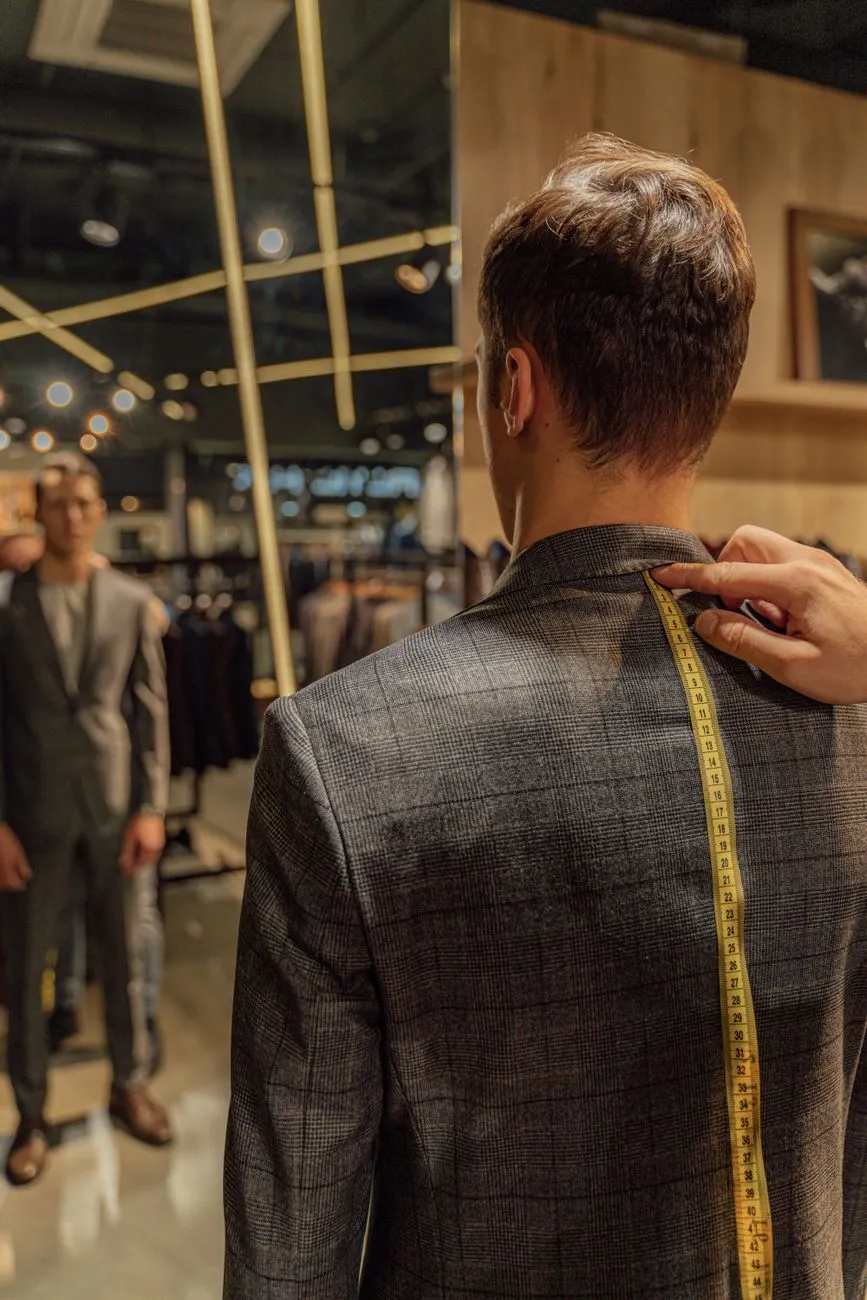 Photo: Antoni Shkraba / Pexels
6. Dispatch faster and set realistic delivery expectations
Slow dispatch gives the buyer more time to regret the purchase or find the item somewhere else. A COD order that takes four days to leave your warehouse is already at risk before the courier picks it up.
Practical steps:
- Set a visible order cut-off time and stick to it
- Pack same-day or next-day for standard COD orders
- Pre-pack bestselling items during campaigns
- Use a carrier that provides tracking and return reason codes
- Send proactive updates: confirmed, packed, handed to carrier, out for delivery
- If delivery is delayed, message the customer before the courier arrives
Set realistic expectations. If your carrier normally takes 2–4 working days in the same city, tell the customer “2–4 working days,” not “fast delivery.” A buyer who expects delivery tomorrow and waits four days is more likely to refuse the parcel.
WooCommerce and Shopify can send automatic order-status emails. Haravan and Sapo also have order-status notifications and shipping partner integrations. Use them, but add a personal Zalo or WhatsApp message for high-value COD orders.
7. Handle refused parcels with a repeatable process
Even with confirmation, deposits, and better sizing, some COD parcels will still be refused. What you do next determines whether the loss stops at one order or turns into a recurring problem.
Refused parcel workflow
- Ask the carrier for the refusal reason: customer refused, wrong address, no answer, damaged package
- Record the reason on the order and customer profile
- Inspect the returned item for damage, stains, or signs of wear
- Restock it if it is still sellable; quarantine it if you are unsure
- Decide whether to contact the customer
- Apply your stated policy on deposits, refunds, and future payment methods
A one-time refusal may be a simple mistake. A customer who refuses after confirming by phone and paying a deposit is much harder to explain as an accident. Tag them accordingly.
For a fuller process, see Returns management process for online stores: 9 steps.
One source of COD refusal is fit anxiety: shoppers order, then worry the item will not look right on them and refuse it at the door. A virtual try-on button next to “Add to cart” can reduce that uncertainty by letting shoppers see themselves wearing the product in their own photo before paying. Macgi offers this for online clothing stores using your existing product photos, and it can be added to Shopify, WooCommerce, Haravan, Sapo, or a custom product page with a small setup. If you want to test it before a big campaign, try the free beta.
FAQ
Does asking for a deposit scare away real COD customers?
Some customers will refuse, but they are usually the same customers who were most likely to refuse the parcel later. Apply deposits only to risky or high-value orders, and explain that the deposit is deducted from the total when they receive the item.
Should I block every customer who has one refused COD order?
No. One refusal can be a genuine mistake or a delivery issue. Record the reason, communicate politely, and only require prepayment or a deposit for the next order. Block or restrict repeat refusers.
How do I tell a fake order from a customer who just changed their mind?
Fake orders often have wrong or incomplete addresses, unreachable phones, strange quantities, and no response to messages. Changed-mind customers usually give a valid address and may respond or admit they no longer want the item.
What should I do if a customer refuses a parcel and asks for a refund of the deposit?
Follow the policy you stated when you took the deposit. If you said the deposit covers failed delivery and restocking, apply that policy consistently. For legal or consumer-protection questions in your market, check the current official source.
Can a virtual try-on button really help with COD refusals?
It helps with one major cause: fit and look anxiety. When a shopper can preview the garment on their own photo before ordering, they may be less likely to order the wrong size or refuse the parcel when it arrives.