Macgi

Why a 6-part structure beats a paragraph of adjectives
Clothing shoppers cannot touch the fabric, try the item, or see how it moves on their own body. They usually decide from photos plus words. A description that only says “beautiful, stylish, comfortable” gives them nothing concrete to hold onto. It also pushes them to ask customer service or order the wrong size.
A repeatable structure solves this. The goal is not to make every product sound poetic. It is to answer the practical questions a shopper asks before adding to cart:
- What is the style or hook?
- Will it fit me?
- What does the fabric feel like?
- How do I take care of it?
- How would I actually wear it?
- What are the measurable details?
That is the 6-part structure: hook, fit and size notes, fabric and feel, care, styling ideas, and scannable specs. It works for a one-person boutique, a Haravan store, a Shopify catalog, or a WooCommerce shop with hundreds of SKUs.
The 6-part clothing description structure
Here is each part, what to write, what to avoid, and an example line.
1. Hook line
The first line should tell the shopper what the garment is and why it matters. Name the type of item, silhouette, or key detail.
Weak: “A lovely dress for every occasion.”
Better: “A square-neck midi dress with a fitted bodice and a full, swingy skirt.”
If the product has a recognizable feature—puff sleeve, cargo pocket, raw hem, side slit—say it in the first sentence. Keep the hook to one or two lines and place it near the product name and price.
2. Fit and size notes
This is where you reduce size-related questions. Describe the cut against the body: fitted, relaxed, oversized, true to size, runs small, no stretch, stretchy, cropped, high-rise. Give the model’s height and worn size if you have it. Add a clear recommendation instead of only saying “true to size.”
Example:
“Fitted through the bust and waist, then falls straight from the hip. Light stretch in the fabric but no waist tie. Model is 168 cm and wears size M. If you are between sizes and want extra room across the shoulders, size up.”
Link to your size chart wherever possible. If you need to improve the fit details, start with How to Help Customers Choose the Right Size Online for Boutiques or Dress Size Chart: Bust, Waist, Hip and Length by Style.
3. Fabric and feel
Name the material composition, not just “imported fabric.” Say what the fabric feels like against skin, its weight, drape, transparency, and texture.
Example: “100% cotton poplin. Crisp and papery at first, softens after a wash. No shine, semi-opaque; wear nude underwear under white.”
For synthetic stretch, write something like: “95% polyester, 5% spandex. Smooth, slightly cool hand feel, dries quickly.”
Avoid “high-quality material” alone. If you know the detail, use it. If not, describe the hand feel: brushed inside, light fleece, ribbed knit, satin finish.
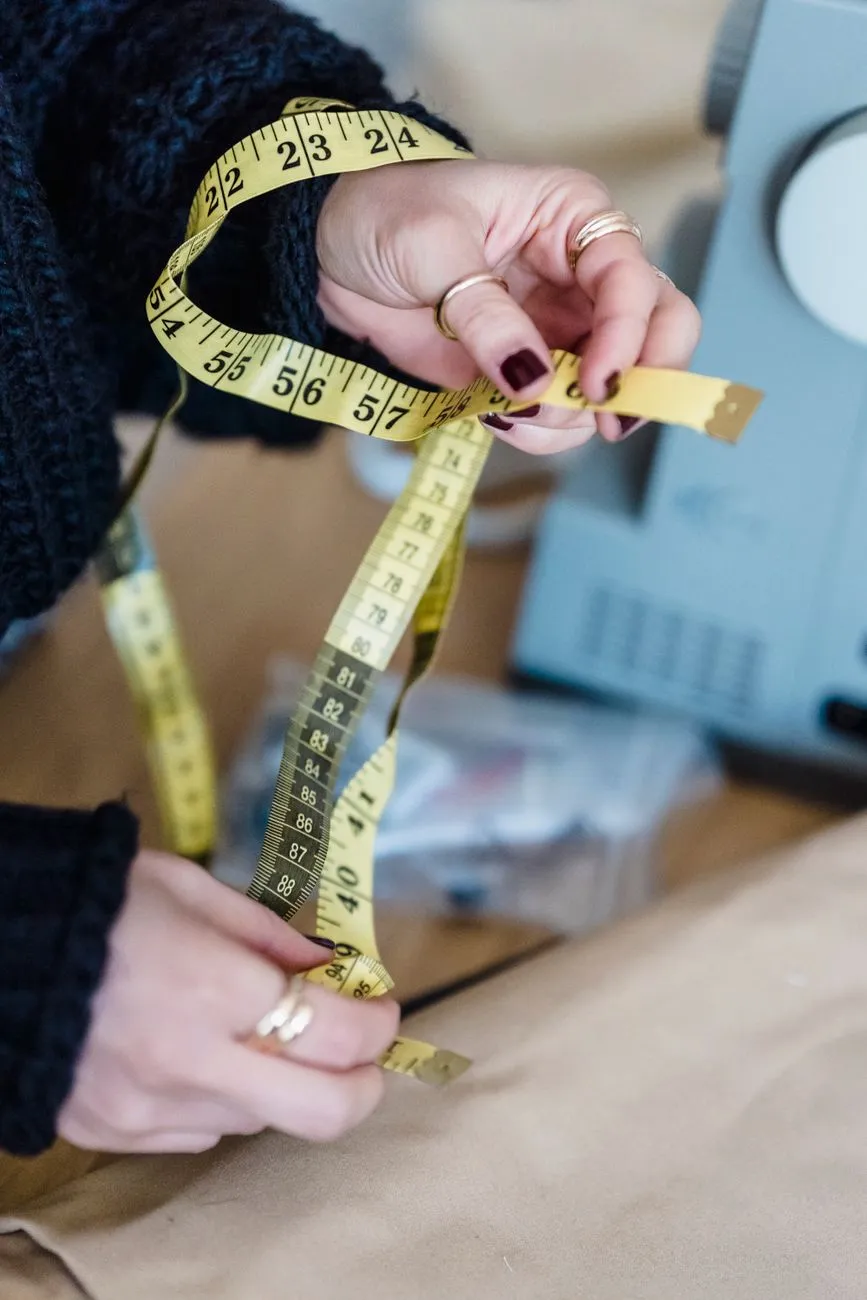 Photo: Michael Burrows / Pexels
4. Care
Care instructions prevent disappointed returns. State washing, drying, ironing, or dry-clean only. Keep it practical:
“Machine wash cold with like colors, hang dry, low iron if needed.”
If the item is delicate or shrinks, be explicit. Not every shopper reads care, but the ones who care will use it. Put it in a consistent spot, usually after fabric or in a details accordion.
5. Styling ideas
Show the item in real life. Give two or three ways to wear it with simple pieces.
Example for a blouse: “Wear with high-waisted jeans and white sneakers for errands; add a blazer and loafers for a casual office.”
For a dress: “Wear with flat sandals and a straw bag in warm weather; add a cropped cardigan and heeled mules for evening.”
This helps shoppers imagine the item in their existing wardrobe and can encourage multi-item orders.
6. Scannable specs
End with a bullet list or table of measurable facts:
- Color: real color name
- Material: 100% cotton
- Length from shoulder: 118 cm for size M
- Closure: side zip
- Pockets: yes, side seam
- Lining: fully lined
- Stretch: none
- Model: 168 cm, wears size M
Use the same fields on every product so shoppers can compare. On Shopify, WooCommerce, Haravan, or Sapo, add a collapsible “Details” section or bullet block.
Good vs bad: rewrite a blouse description
Here is how the 6-part structure changes a weak description.
Bad example
“Stylish blouse for work and weekend. Made from quality material. Very comfortable and elegant. Great with jeans or skirts. One size fits all.”
Problems: no specific cut, no fabric, no length, no care, no model size. “One size fits all” is risky if it is not true. It creates questions and returns.
Good example
Hook: A relaxed button-up blouse with a camp collar and dropped shoulders.
Fit: Relaxed through the body with a slightly cropped length that sits at the high hip. Model is 165 cm and wears size M. If you like a closer fit or are between sizes, size down from your usual top.
Fabric and feel: 70% rayon, 30% linen. Light and breathable with a soft crinkle texture. Semi-sheer in lighter colors; a nude camisole is recommended.
Care: Machine wash cold on gentle cycle, hang dry, warm iron if needed.
Styling: Tuck the front into high-rise trousers for work, or leave it open over a fitted tank and shorts on the weekend.
Specs:
- Color: oat stripe
- Material: 70% rayon, 30% linen
- Length from shoulder: 55 cm for size M
- Sleeve: short, drop shoulder
- Closure: front buttons
- Pockets: none
- Lining: none
The good version gives enough information for a shopper to choose the right size and know what to expect.
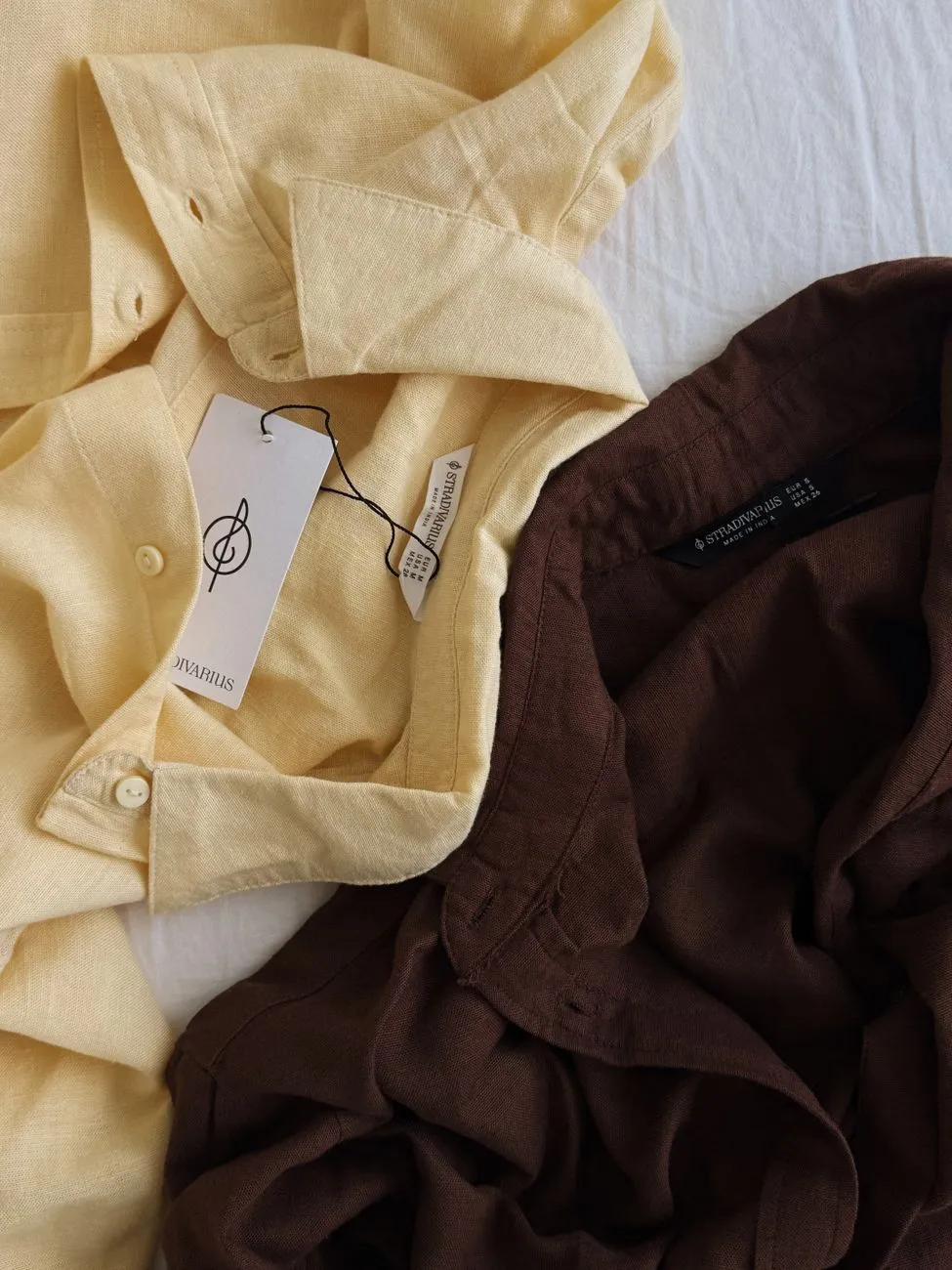 Photo: Aljona Ovtšinnikova / Pexels
Length for web product pages vs social captions
A common mistake is using the same long block everywhere. Web and social need different lengths.
For a product page, the visible description near the buy button should be short enough to scan: hook plus one fit note plus one fabric note, around 40–80 words. The longer six-part version can sit below in tabs, accordions, or a details section. On mobile, many shoppers will not expand long text, so the most important size and fabric notes must be visible without extra clicks.
For social captions, keep only the hook, one styling idea, and maybe one size or fabric note. Around 20–50 words is usually enough.
Example: “Relaxed linen-blend blouse with a camp collar. Wear it tucked into high jeans or open over a tank. Runs relaxed; size down for a closer fit.”
Put the full specs on the product page, not in the caption.
For email or SMS, use the same short version as social: hook, one reason to click, and a clear link. If you send abandoned-cart messages, a short description plus a photo can remind the shopper why they left it. See Abandoned cart email and SMS flows: timing, templates, consent.
Where to place each part on Shopify, WooCommerce, Haravan, and Sapo
The structure should map to your theme, not live in one giant paragraph.
Shopify
In the product admin, put a short hook and fit note in the description field if your theme shows it near the title and price, or use blocks if your theme uses sections. For the full details, add collapsible rows or tabs with headings: Fabric & Care, Fit, Specs. If you use an older theme, separate the text with clear headings and bullets. Check the live page on mobile to see where the text appears.
WooCommerce
Open the product data panel and use the short description for the visible hook plus the most urgent fit or fabric note. Put the full six-part description in the main product description. If your theme shows tabs, use short headings inside the long description. You can also add a custom tab for specs with a plugin, but plain bullets work fine.
Haravan
In the product edit screen, paste the hook and fit note into the field that appears near the buy button if your theme supports an excerpt or short description. Put the full description below. Check whether the theme collapses the text; if it does, move size and fabric into the visible area instead of hiding them.
Sapo
Edit the product and use the short description field, if available, for the hook. In the main description, arrange the six parts with clear subheadings. Some Sapo themes show product details in tabs; if so, put fit and fabric in the first tab and care/specs in a later tab.
General rule: every platform allows you to add HTML. If you can add a two-column bullet list or a collapsible block, use it. The structure stays the same even if the theme changes. For a broader page checklist, see Product page best practices for fashion: a checklist.
Common mistakes that create returns or questions
- Vague adjectives instead of details: “Premium quality” does not tell feel, weight, or material.
- Hiding fit notes below the fold: If shoppers must scroll or click to know the item runs small, they may order the wrong size or leave.
- Using “one size fits all” without measurements: If it only fits a narrow size range, say so.
- Copying factory descriptions: They are often written for search bots, not humans. Rewrite in your voice.
- Not matching photos: If the text says “crisp cotton” but the photo looks soft and brushed, the shopper doubts both.
- Missing care warnings: If a white item is semi-sheer or a knit shrinks, say it.
- Writing only for desktop: Long paragraphs on mobile cause skipping.
How to measure whether descriptions are working
Do not treat descriptions as a one-time task. Watch these signals:
- Customer questions: If shoppers repeatedly ask about fit, fabric, transparency, or care, add that answer to the description.
- Size exchange and return reasons: Tag returns by reason. If “runs small” or “fabric not as expected” appears often, fix the fit note or fabric wording.
- Product page conversion and add-to-cart rate: If a product gets traffic but few adds, test a clearer hook, shorter visible text, or better specs.
- Mobile behavior: If you have analytics, look at whether shoppers scroll or expand tabs. If they don’t, put critical information higher.
- Live chat or comment logs: Use repeated questions as direct input for the next rewrite.
For example, if a shop has 200 orders and 30 returns, the return rate is 15%. If 10 of those returns are size-related, changing the fit notes and adding model size may be the most useful test. You can track this in a simple sheet.
A useful rule: update the description after you receive the same question twice from customers. That means the page is missing something.
Even the best description still asks the shopper to imagine the garment on their own body. If you want to close that gap, consider adding a virtual try-on button next to the Add to cart button. Macgi’s widget uses your existing product photos and lets a shopper see themselves wearing the item in about 15–40 seconds. You can try Macgi’s free beta and see if it fits your product page.
FAQ
How long should a clothing product description be?
On the product page, keep the visible part to roughly 40–80 words: hook, fit note, and fabric note. The full version with care, styling, and specs can be longer and placed in an accordion, tab, or below the fold.
What is the most important part of a clothing description?
Fit and size notes usually matter most because they reduce the most common return reason. Add the model’s height and worn size, and say whether the item runs small, large, or true to size.
Should I write differently for Instagram or TikTok captions?
Yes. Social captions should be much shorter. Use the hook, one styling idea, and maybe one size or fabric note. Send shoppers to the product page for full specs.
How do I write descriptions for many products quickly?
Create a template with six headings and fill in the same fields for every product. The hook and styling ideas can vary, but fit, fabric, care, and specs should follow the same order so customers learn where to look.
Can I use the same description on Shopify and WooCommerce?
Yes. The description structure is platform-independent. Adjust only the placement based on the theme: short description near the buy button, long description in tabs or below.