Macgi

Starting an online clothing store is more than uploading a few product photos and waiting for orders. The stores that survive their first season usually have a clear niche, consistent product information, honest visuals, and a simple buying process. This step-by-step plan follows the order that prevents the most common mistakes: choose the niche first, source products second, build the brand basics, choose a channel, prepare photos and size charts, set up payments and delivery, then launch with a checklist.
1. Choose a niche and target customer
A niche is not just a product category. It is a specific product for a specific customer. “Women’s clothing” is too broad. “Tall inseam linen trousers for office workers in warm climates” is much easier to photograph, price, and market.
Write down the answers to these questions:
- What exactly will you sell? Dresses, tops, bottoms, skirts, sets, children’s wear?
- Who will buy it? Describe their age range, work, climate, body concerns, price comfort, and where they currently shop.
- What problem or preference does your product solve? Fit, fabric, modesty, durability, special sizes, local design?
- Why will they buy from you instead of a larger store? Better fit information, local delivery, new styles, a specific aesthetic?
- Where do these customers already spend time online? Instagram, TikTok, Facebook groups, search engines, or local communities?
Avoid choosing a niche only because it seems profitable. Choose one where you can consistently get products, explain the fit, and create content without struggling. For example, if you plan to sell dresses, you might narrow to “knee-length linen dresses for plus-size customers in warm weather.” That one sentence guides your sourcing, product names, photos, and ads.
A useful test: if you can describe the customer and the first ten products in one sentence, the niche is specific enough. If you need several sentences and still sound like a general fashion store, keep narrowing.
2. Decide how you will source products
There is no single best sourcing method. Choose based on your budget, storage space, design control, and tolerance for inventory risk.
Make or sew your own
You have full control over quality and design, but you need production time, fabric sourcing, and a consistent process. This works well for small batches, made-to-order, or local brands.
Buy wholesale
You buy finished garments from a supplier or manufacturer and resell them. This is the fastest way to stock a store, but you need to select sizes and quantities carefully. For international sourcing, research supplier terms, minimum order quantities, shipping time, defect policies, and whether you can use the supplier’s photos. For local resellers, check wholesale markets and online B2B catalogs in your region.
Print on demand
The supplier prints your design on a blank garment after the customer orders. You do not hold inventory, but your control over fabric, stitching, and shipping is lower. This works for graphic tees, hoodies, and simple basics.
Dropshipping
You list a supplier’s products and the supplier ships directly to your customer. It is easy to start, but product quality and delivery times are outside your control. Clothing dropshipping is risky because fit and fabric are central to the purchase.
Secondhand or vintage
You source one-of-a-kind pieces and sell them individually. This can build a strong brand, but every item needs its own photos and measurements.
For your first launch, choose one method and master it. Mixing several sourcing methods early makes product data, photos, and returns much harder to manage.
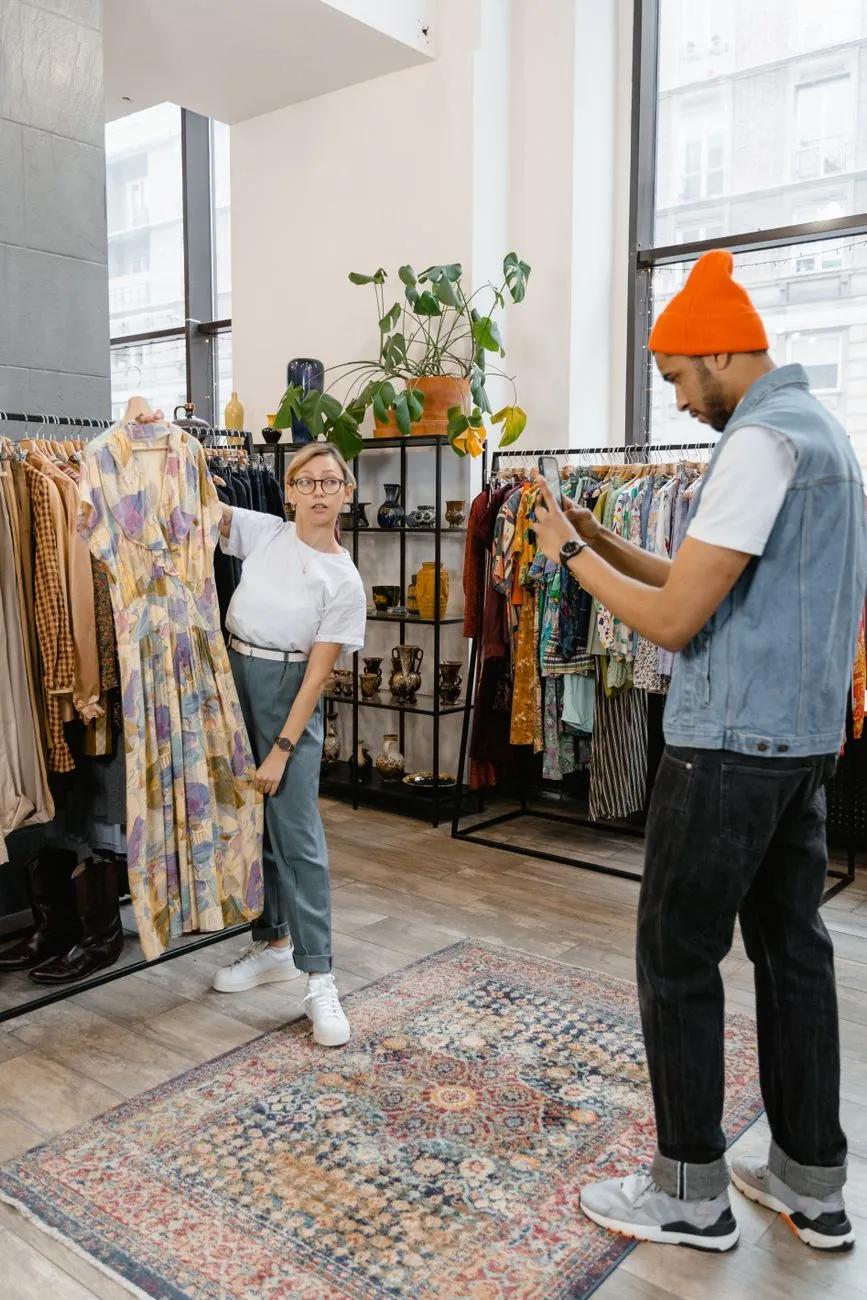 Photo: MART PRODUCTION / Pexels
3. Set up brand basics before you build
Your brand is more than a logo. It is the name, tone, price range, and visual style that tells the customer what to expect.
Name and domain
Choose a name that is easy to say, spell, and remember. Check that the domain is available and that the name is not obviously trademarked in your market. A short, clear name is better than a clever one people cannot spell.
Pricing
Price is not just “cost plus a little extra.” A simple starting formula is:
Selling price = product cost + shipping cost + payment fees + expected return/damage allowance + your profit margin
For example, if a dress costs you 300,000 VND, shipping materials are 20,000 VND, payment fees are about 3%, and you want a 40% gross margin before returns, you can calculate the price and then compare it with similar products on the market. If the market cannot bear that price, you may need to find a lower-cost product or accept a smaller margin.
Don’t forget that marketplaces and payment providers charge fees, and VAT or sales tax may apply. Check the current official tax rules in your country before setting final prices.
Visual style and tone
Pick two or three brand colors, one or two fonts, and a consistent photo style. Your product pages should look like one store, not a mix of supplier catalogs. Decide how you will talk to customers: warm and direct, minimalist, playful, or premium.
4. Choose your sales channels and platform
You do not need to be everywhere on day one. Start with one main channel that you control, then add others as you learn.
Website as your home base
A website gives you control over product pages, SEO, email capture, and brand experience. For international stores, the two most common routes are Shopify and WooCommerce.
- Shopify: hosted platform. You create an account, choose a theme from the Shopify theme store, add products under Products, set up payments and shipping, and connect a domain. It is the fastest way to a complete store for most clothing shops.
- WooCommerce: a WordPress plugin. You need WordPress hosting, install WooCommerce, choose a compatible theme, and add products as WooCommerce products. It gives more control and lower monthly platform fees but more setup responsibility.
For Vietnamese shops, Haravan and Sapo are local platforms with similar product, theme, and order-management features. They often have built-in support for local delivery and payment methods. The setup steps are similar: create an account, choose a theme, add products, configure shipping and payment, then publish.
If you need a direct comparison, see Best ecommerce platform for clothing store: 4 options compared.
Social channels
Instagram, TikTok, and Facebook are good for discovery and proof, but they are not reliable as your only sales channel. Use them to show the product on real people, answer fit questions, and drive traffic to your website or direct messages.
Marketplaces
Online marketplaces can give you traffic but usually charge fees and put your products next to competitors. Treat them as an extra channel, not the foundation. For Vietnam, choose the marketplace that fits your customer and product volume; for other countries, check local listing fees and seller policies before joining.
A simple first-channel plan: launch a Shopify or WooCommerce store if you want international control, or a Haravan/Sapo store if you are focused on Vietnam. Use one or two social channels for content and customer contact, and delay marketplaces until your product pages and shipping run smoothly.
5. Prepare product photos and size information
Clothing is returned most often because the item does not look like the photo or does not fit. Your product page has two jobs: show the real garment and help the customer choose the right size.
Photos
Every product should have at least these shots:
- Front view on a model or mannequin, standing naturally
- Back view
- Side view if the shape is complex
- Close-up of fabric texture, buttons, zipper, or print
- Flat lay or ghost mannequin shot for accurate shape and color
- Color swatch or on-figure shot for each color variant
Use consistent lighting and background. If you take photos yourself, follow a simple checklist: shoot in daylight or with a soft light source, use a neutral background, and don’t over-edit the fabric color. For a full shooting guide, see How to photograph clothes to sell online: full checklist.
Size charts
A size chart is not only a brand measurement table. It should reflect the actual garment measurements of the product you are selling. Measure the clothing flat: bust, waist, hip, length, shoulder, sleeve, and inseam for pants. Put these numbers on the product page in centimeters or inches, and explain how to measure the body if needed.
For more detailed fit guidance, read How to Help Customers Choose the Right Size Online for Boutiques. If you sell dresses, also provide style-specific measurements; a fitted dress and a loose shift dress may have the same bust but different ease.
Write size warnings clearly. For example: “This style runs small. If you are between sizes, choose one size up.” That one sentence prevents many returns.
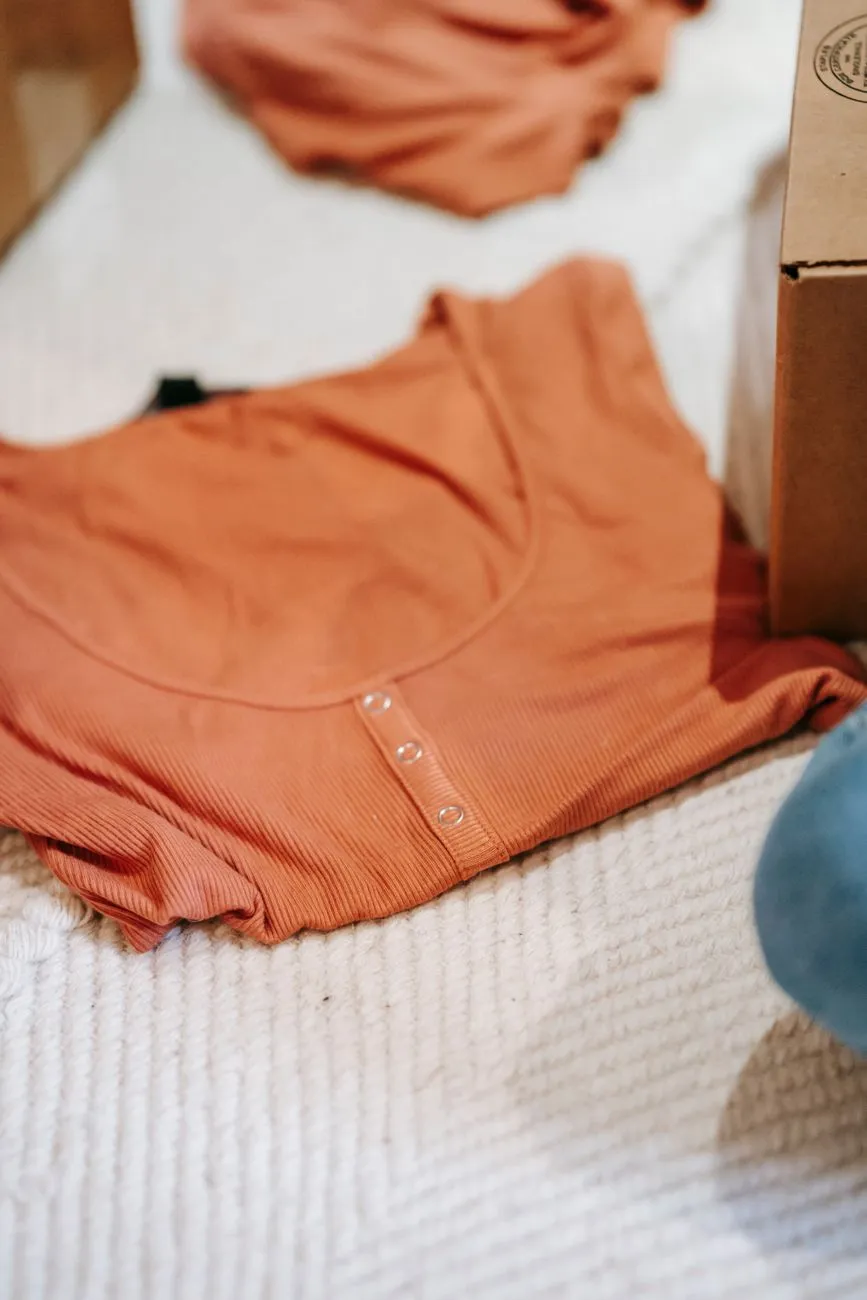 Photo: Liza Summer / Pexels
6. Set up payments, delivery, and policies
Payments
For international Shopify stores, enable Shopify Payments or a payment provider such as Stripe or PayPal. For WooCommerce, install the WooCommerce Stripe or PayPal extension. Accept at least one card payment method and one widely used digital wallet or express method to reduce checkout friction.
For Vietnamese stores on Haravan, Sapo, or WooCommerce, cash on delivery (COD) is common, but it brings fake-order and return risk. If you use COD, confirm the customer’s phone number, send a confirmation message, and track delivery attempts. Keep in mind that payment provider fees and tax rules change, so check the current official source for your country and platform.
Delivery
Choose a shipping method you can actually fulfill. For small shops, flat-rate shipping is simpler than live carrier rates. You can also offer free shipping above a threshold that protects your margin. Write delivery times clearly on the product page and in the checkout.
For Vietnam, local carriers and platform logistics services can handle province and city delivery. For international, set shipping zones and choose between standard postal service and express courier. If you are unsure of exact menu names, look in the platform’s shipping settings; in Shopify, it is under Settings > Shipping and delivery; in WooCommerce, it is under WooCommerce > Settings > Shipping.
Policies
Before launch, publish three essential pages:
- Returns and exchanges: how many days, what condition, who pays return shipping, how refunds are issued.
- Privacy policy: what data you collect, why, and how customers can request deletion.
- Terms of service: order acceptance, pricing, liability, and dispute process.
A clear return policy reduces customer anxiety. For a small clothing shop, a common structure is: unworn, unwashed items with tags within 14 or 30 days, refund or exchange, return shipping paid by the customer unless the item is defective. But consumer-protection rules vary by country and change over time, so check the current official rules in your market before finalizing.
7. Launch checklist and first 30 days
Don’t launch quietly and hope. Use a checklist.
Pre-launch checklist
- Buy a test order on desktop and mobile, from product page to payment confirmation.
- Test every size variant and color variant; check that photos and prices match.
- Check page speed on a phone; clothing shoppers browse on mobile.
- Install an analytics tool and make sure it records product views, add-to-cart, and purchases.
- Set up an abandoned cart email or SMS flow with a simple reminder and a link back to the cart.
- Write a short launch message for your existing contacts, social profiles, and any local groups.
First 30 days
Focus on learning, not vanity metrics. Track:
- Where visitors come from: social, search, direct, or referral.
- Product page conversion rate: how many visitors add to cart or buy.
- Size-related questions and returns: which products get the most fit questions?
- Cart abandonment rate: where do shoppers drop off?
- Customer messages: what confuses people about sizing, delivery, or payment?
For example, if you have 1,000 product page visits and 20 orders, your product page conversion rate is 2%. That number is just a starting point; use it to spot which products or traffic sources underperform.
Respond to customer questions quickly in the first weeks. Many first-order issues are small: missing size info, an unclear delivery time, or a payment method that doesn’t work. Fix those before spending more on ads.
Once your product pages are live, small changes often matter more than more traffic. Help shoppers judge the look and fit before they order. A virtual try-on button next to Add to cart lets shoppers take or upload a full-body photo and see themselves wearing the product before buying. Macgi offers a free beta widget that works with Shopify, WooCommerce, Haravan, Sapo, or any site where you can add HTML, using your existing product photos. You can try it at Macgi sign-up.
FAQ
Do I need a business license to start an online clothing store?
It depends on your country and sales volume. In many places, selling as a business requires registration and tax reporting. In Vietnam, you may need a business registration or tax code for a formal online shop, but rules and thresholds change. Check the current official source in your country before you launch.
How much money do I need to start?
You can start small with pre-orders, a limited number of sizes, or print-on-demand. The main costs are product samples, photos, a website subscription or hosting, packaging, and initial ads. Set a budget for a first test batch rather than buying large inventory.
Which platform is better: Shopify or WooCommerce?
Shopify is easier to start and maintain because it is hosted and includes security, hosting, and updates. WooCommerce gives you more control and lower monthly platform fees if you already use WordPress, but you manage hosting, updates, and plugins. For Vietnamese shops, Haravan and Sapo are local alternatives. The best choice depends on your technical comfort and growth plans.
How do I get my first customers?
Start with your existing network, social media content around the clothes, and a small launch campaign. Ask friends to share an honest product post. Then use your product page analytics to see what works and double down on the channel that brings the cheapest, most relevant visits.