Macgi
It’s a familiar paradox: a wardrobe full of clothes and “nothing to wear.” A capsule wardrobe app won’t solve that by itself, but it can remove the daily guesswork. The basic loop is simple: digitise what you own, plan combinations visually, and use AI try-on to test outfits on your own photo before re-wearing or buying. This guide explains how to set that up, what to record for each item, formulas you can reuse, and a simple starter template.
Why digitising your wardrobe beats a mental checklist
Most people store clothes in different places—drawers, hangers, bags, the back of a closet. That makes it easy to forget what you own. A digital inventory gives you one scrollable view of your current wardrobe, so you can spot duplicates, gaps, and items you keep for emotional reasons but never wear.
Digitising also makes outfit planning faster. Instead of pulling five tops and three bottoms out of the wardrobe every morning, you can test combinations on a screen. If you want to reduce decision fatigue, group items by season or occasion. If you want to build a true capsule, the visual inventory is the foundation; it shows how many pieces actually mix with the rest.
How to photograph your wardrobe for a digital inventory
Item photos: the flat-lay method
For most clothes, a flat lay or hanger photo works better than a crumpled pile. Use natural daylight near a window, and shoot from directly above to avoid distortion. Keep the background neutral—a bedspread, the floor, or a plain wall. Try to use the same spot for every item so colours stay consistent.
For each item, photograph:
- The full garment, spread or hung neatly.
- A close-up of texture or pattern if it affects how you style it.
- The back if there is an unusual detail.
Label each photo with simple tags: category, colour, length, fabric, occasion, and season. You do not need a professional camera; a phone in good light is enough.
The full-body photo AI try-on needs
This is a different photo. While item photos are for your inventory, AI try-on needs one clear full-body photo of you. Stand in fitted clothing, face the camera, and keep the whole body in frame. Plain, even light and a clutter-free background give the cleanest result. For more on camera height and pose, see How to Take a Full-Body Photo for AI Try-On.
Outfit planning apps: how to plan without overthinking
A good outfit planning app is really a visual drag-and-drop board. Some people use dedicated wardrobe apps; others use a simple photo album or notes grid. The mechanics matter less than the habit.
Start by creating boards for:
- Work
- Weekend
- Evenings
- Travel
- Hot weather / cold weather
Then build outfits on those boards rather than in your head. If you keep the photos square and cropped the same way, the board reads like a lookbook. Add a shoe to every outfit—shoes anchor the silhouette.
Outfit formulas to copy into any app
Formulas are more useful than exact outfits because they work with whatever you own. Try these:
For women
- Crew-neck tee + high-rise straight jeans + loafers.
- Silk or satin blouse + wide-leg trousers + pointed flats.
- Ribbed knit top + midi slip skirt + heeled sandals.
- Overshirt + white tee + chinos + low-profile sneakers.
For men
- Navy crew-neck tee + khaki chinos + white leather sneakers.
- Light blue oxford shirt + grey wool trousers + brown loafers.
- Merino crewneck + dark denim + suede Chelsea boots.
- Polo + olive chinos + white low-top trainers.
These work because each pair repeats a neutral plus one softer or structured layer, and the shoe repeats the level of formality. If you want a stronger vertical line, choose a top and bottom in similar tonal depth. If you want more emphasis on the upper body, keep the top lighter and the bottom darker.
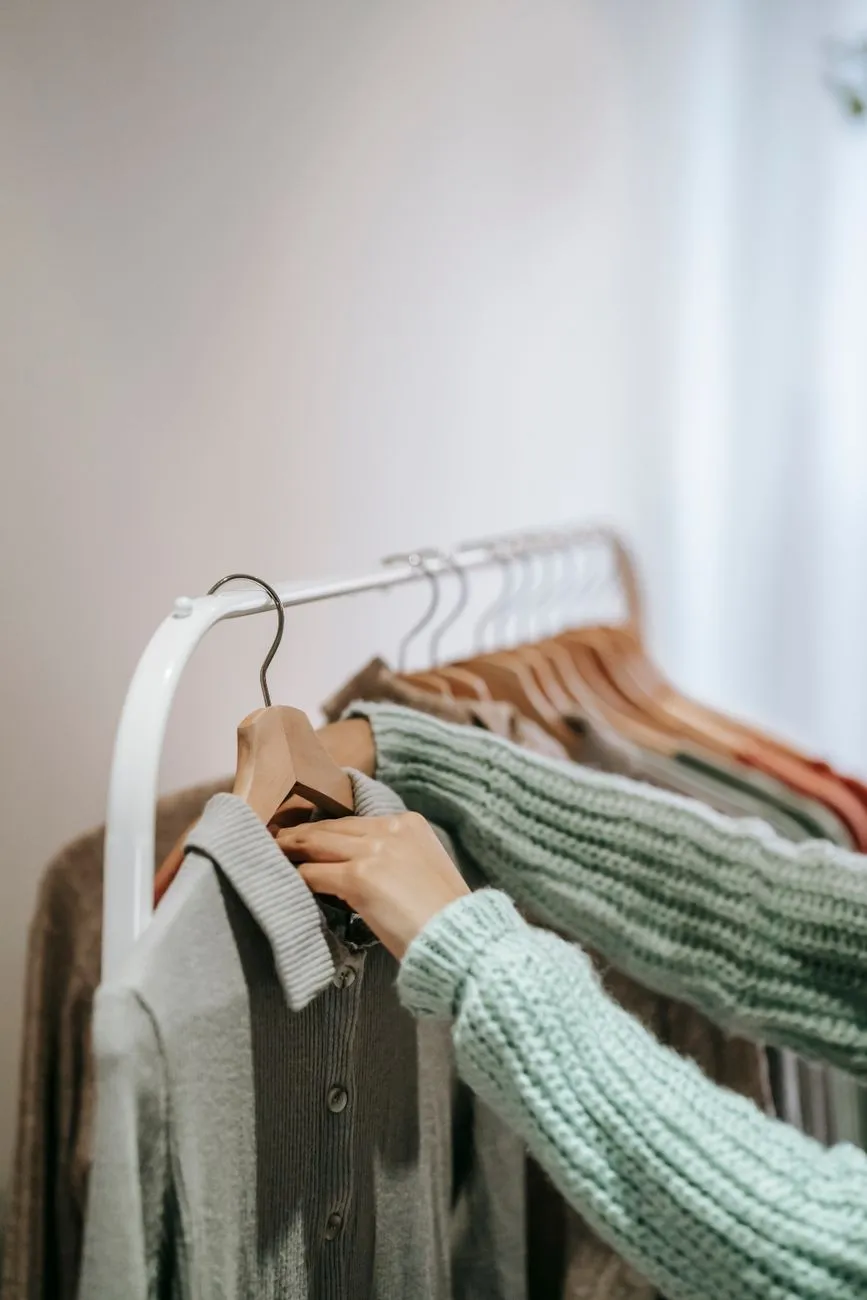 Photo: Liza Summer / Pexels
AI try-on: test combos before you commit
Once you have a digital wardrobe and some planned outfits, AI try-on lets you see a combination on your body. Macgi works in your phone browser—no app to install. You upload or take one full-body photo, then choose a top, a top with trousers, or a dress. The result arrives in about 15–40 seconds.
The key point is what the AI keeps and what it changes. It keeps your face, body shape, skin tone, pose, and background, and changes only the clothes. There is no body editing. In practice, that means you can check colour harmony, neckline proportion, sleeve volume, trouser length, and silhouette without changing in and out of clothes.
Your photos are used only for your own try-on images. They are never posted, shared, used for ads, or used for AI training. The temporary copy sent to the AI is deleted within 24 hours.
When to trust AI try-on, and when not to
AI try-on is useful for:
- Checking whether a new top works with trousers you already own.
- Testing colour combinations against your skin tone.
- Comparing a dress length against your usual shoe height.
It is less reliable for:
- Fabric feel and movement.
- Fit around the waist, hips, or shoulders.
- Exact sizing.
Try-on images are AI previews, not a fit guarantee. Always check the store’s size chart before ordering. For more on realism and limitations, see Is AI Try-On Accurate?.
A simple starter capsule template
You do not need to digitise your entire wardrobe before you can use a capsule wardrobe app. Start with a small set of current-season pieces and build from there. A 12-piece capsule is enough to test the system without feeling restrictive. Treat this as a template, not a rule; adjust fabric weights for your climate.
Women’s 12-piece starter capsule
- Tops: one white cotton tee, one neutral silk or satin blouse, one fine-knit top.
- Layer: one unstructured blazer or knit jacket.
- Bottoms: one straight-leg dark denim, one wide-leg neutral trouser, one midi skirt.
- Dress: one shirt or slip dress in a solid colour.
- Outerwear and shoes: one lightweight coat, one pair loafers, one pair heeled sandals or pointed flats, one pair white sneakers.
That is 11 pieces; add one printed or coloured top if you want more variety. The palette stays wearable because most pieces are neutral and the shoes repeat.
Men’s 12-piece starter capsule
- Tops: two crew-neck tees, one oxford or chambray shirt, one polo.
- Layer: one cotton or merino crewneck sweater.
- Bottoms: one dark straight-leg jean, one grey wool or wool-blend trouser, one khaki chino.
- Layer: one casual cotton or workwear jacket.
- Shoes and outerwear: one white leather sneaker, one brown loafer or derby, one lightweight weatherproof layer.
This gives you several tops and layers, three bottoms, and two shoe styles, which multiply into dozens of combinations. For more on building from what you already have, see How to Build a Capsule Wardrobe.
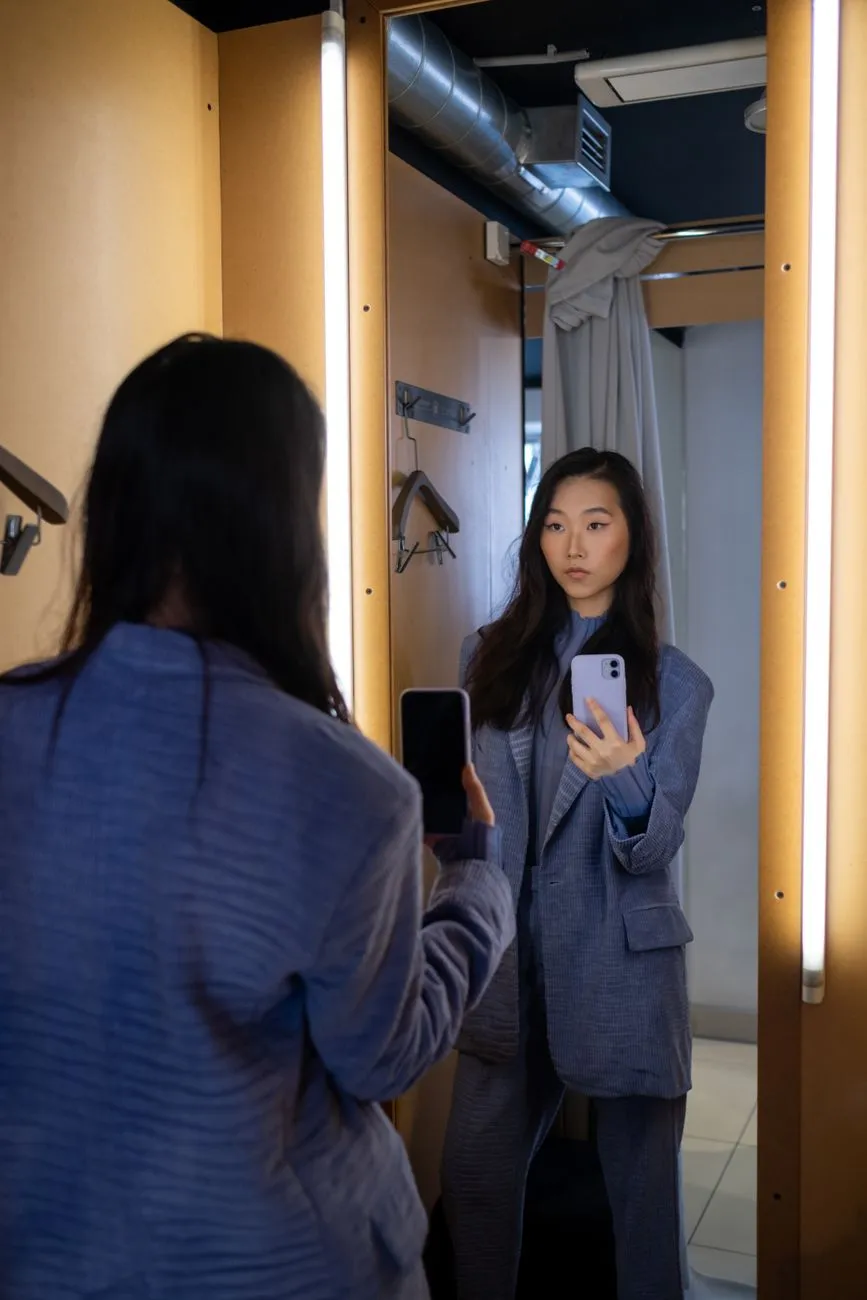 Photo: Ron Lach / Pexels
Common mistakes and what to avoid
Mistake 1: photographing in inconsistent light. Warm bedside lamps make navy look black and beige look yellow. Use the same daylight spot every time.
Mistake 2: digitising everything, including pieces you never wear. A digital wardrobe should reflect what you actually reach for. If an item has not been worn in a year and does not fit your current life, set it aside before you photograph.
Mistake 3: planning outfits without shoes. An outfit can look complete on a hanger and off-balance in real life. Always add the shoe when you build a board.
Mistake 4: treating AI try-on as a size tool. Use it for colour, proportion, and silhouette, then check the size chart. The image is a preview.
Mistake 5: forcing rigid body-shape rules. The goal is to understand proportion, not to ban pieces. If you want to create a longer leg line, you might choose high-rise trousers and a matching tonal top. If you want to bring attention upward, you might choose a brighter neckline or collar. These are options, not obligations.
FAQ
Do I need a dedicated app to start?
No. A phone photo album, a notes app, or a simple grid can work. Apps mainly make drag-and-drop planning and tagging faster.
How long does it take to digitise a wardrobe?
It depends on how many items you own and how organised they are. A current-season core of around 20–30 pieces can usually be photographed in an afternoon. You can start smaller.
What should I digitise first?
Start with the current season and the pieces you wear most: tops, bottoms, layers, and shoes. Leave out-of-season and rarely worn items until later.
Does Macgi require me to download an app?
No. Macgi works in your phone browser. You take or upload one full-body photo, choose a top, a top with trousers, or a dress, and receive a preview in about 15–40 seconds.
Will the try-on change my body shape?
No. The AI keeps your face, body shape, skin tone, pose, and background, and changes only the clothes. There is no body editing.
Are my try-on photos private?
Yes. They are used only for your own try-on images, and are never posted, shared, used for ads, or used for AI training. The temporary copy sent to the AI is deleted within 24 hours.