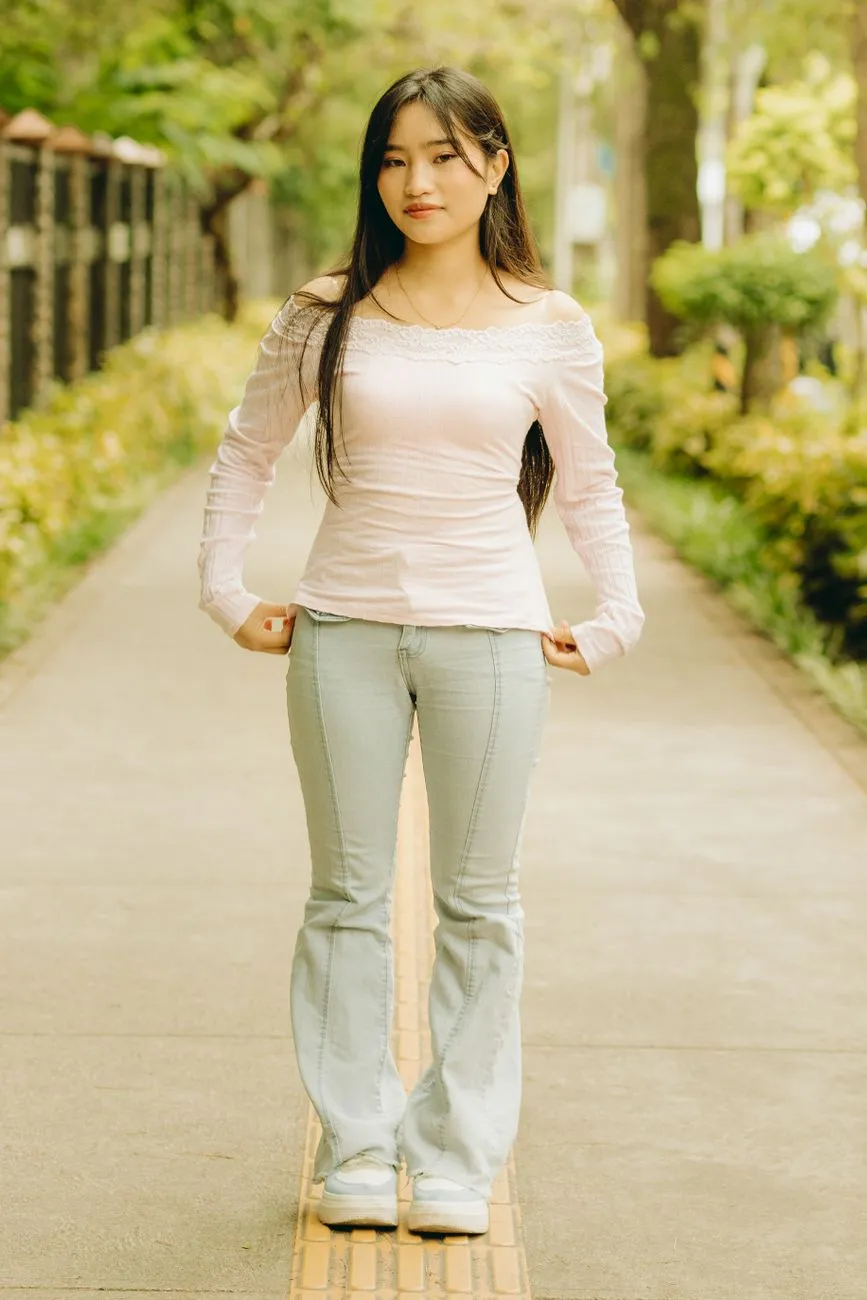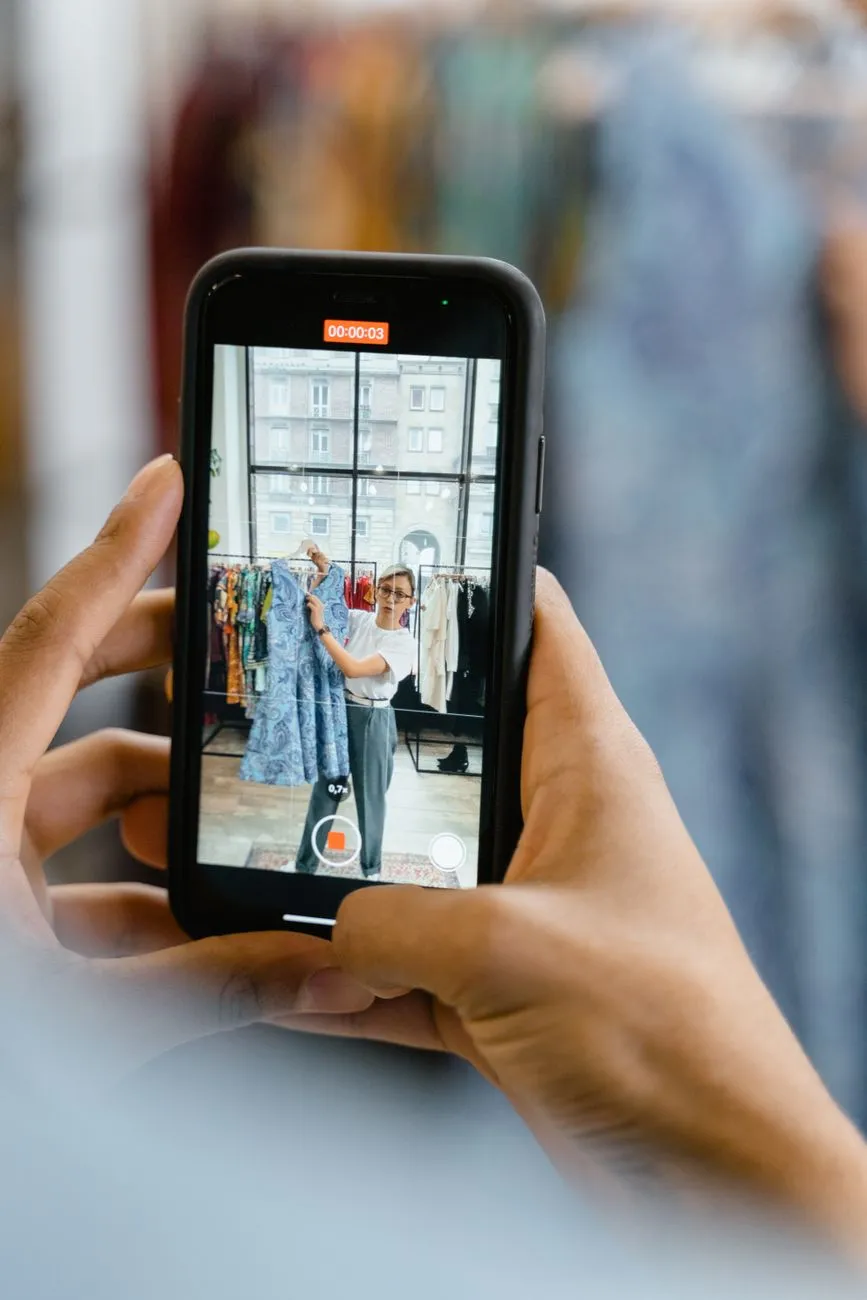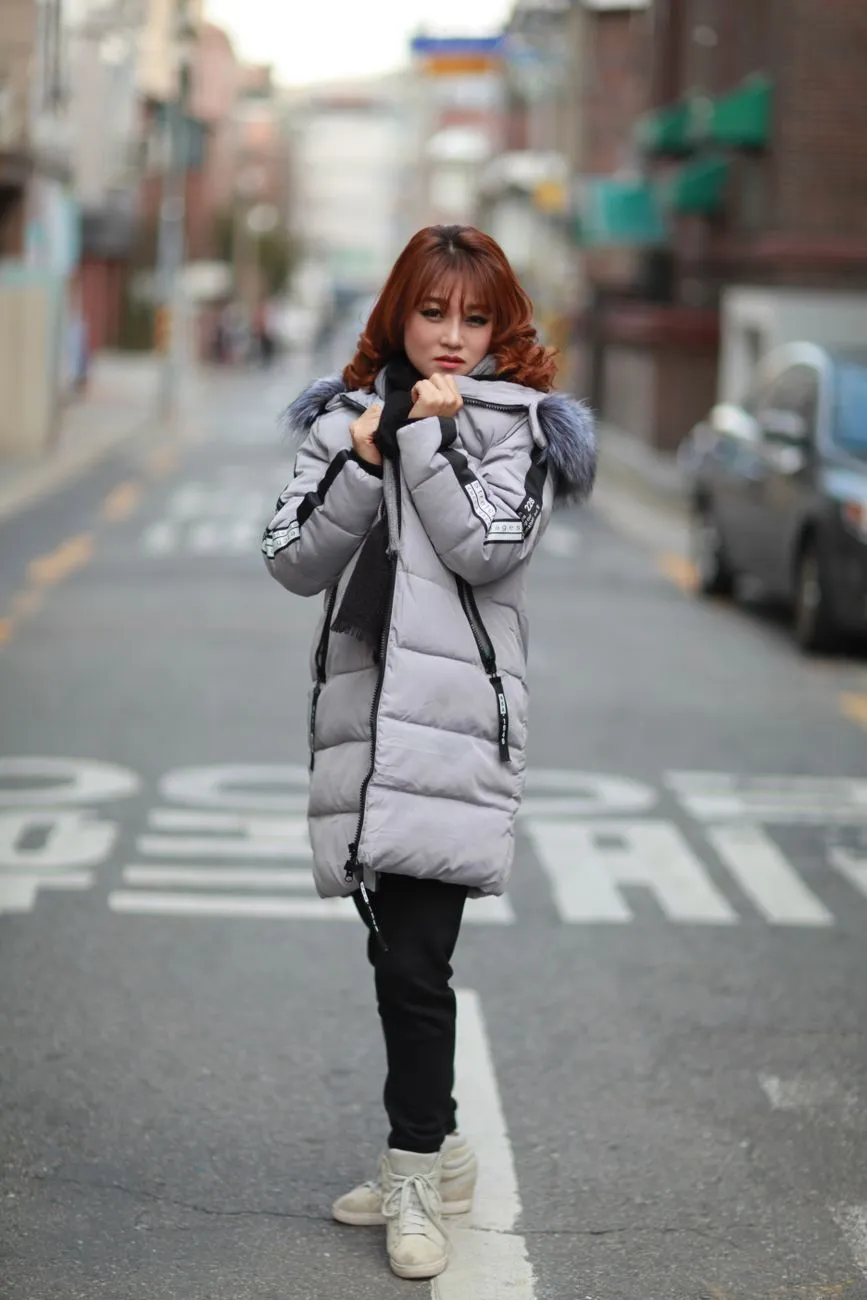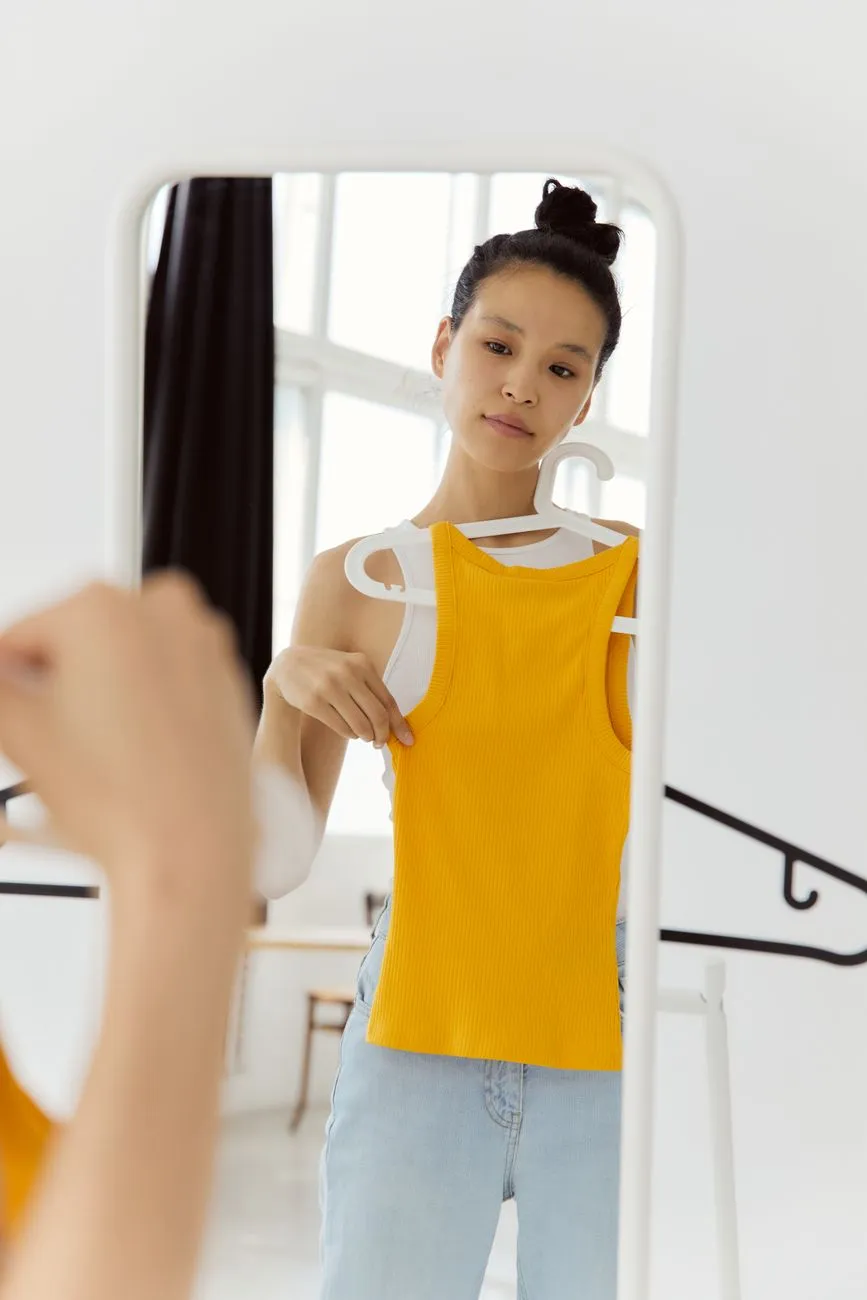
AI try-on, also called virtual try-on or a virtual fitting room, shows you wearing a garment using nothing more than one full-body photo. The first question everyone asks is whether the result actually looks like real life. The short answer: it’s reliable for silhouette and colour, but it can’t replace a size chart when it comes to fit.
The longer answer is more useful, because it tells you what to look at in a preview and what to take with a pinch of salt. This guide explains what the AI keeps, what it changes, when results are closest to reality, when they aren’t, and how to use try-on images to make calmer buying decisions.
How AI try-on works
You give the tool two things: a full-body photo of yourself and a picture of the garment. The AI works out which part of your photo is your body, which part is the outfit you’re currently wearing, and which part is the background. It then generates a new image in which the clothing area is replaced with the piece you chose, while everything else stays put.
The key thing to understand is that the result is an image the AI creates, not a photo of you actually wearing the item. The AI doesn’t have the real garment. It draws on what it has learned about how fabric drapes, how a shirt sits on the shoulders and how trousers crease at the knee, then builds the most plausible picture. That makes the result a preview: very helpful for imagining an outfit, but not absolute proof.
What the AI keeps from your photo
A good try-on tool only replaces the clothing. These things should stay exactly as they are:
Your face and hair
You should recognise yourself immediately. If your face has been altered, with bigger eyes or a sharper jaw, that’s a flaw, not a “beauty” feature. An edited face makes it impossible to judge whether a colour actually suits you.
Your body shape and skin tone
The AI shouldn’t make you slimmer, taller or lighter-skinned. That sounds obvious, but it matters: if a tool quietly lengthens your legs or narrows your waist, every garment will look better than it really will, and you’ll be disappointed when the parcel arrives.
Your pose and background
However and wherever you were standing, the result stays the same. Keeping the pose fixed lets you compare several pieces in the same frame, much like standing in front of one mirror and changing outfits one after another.
Macgi is built on exactly this principle: no body editing, no face changes, only the clothes are swapped.
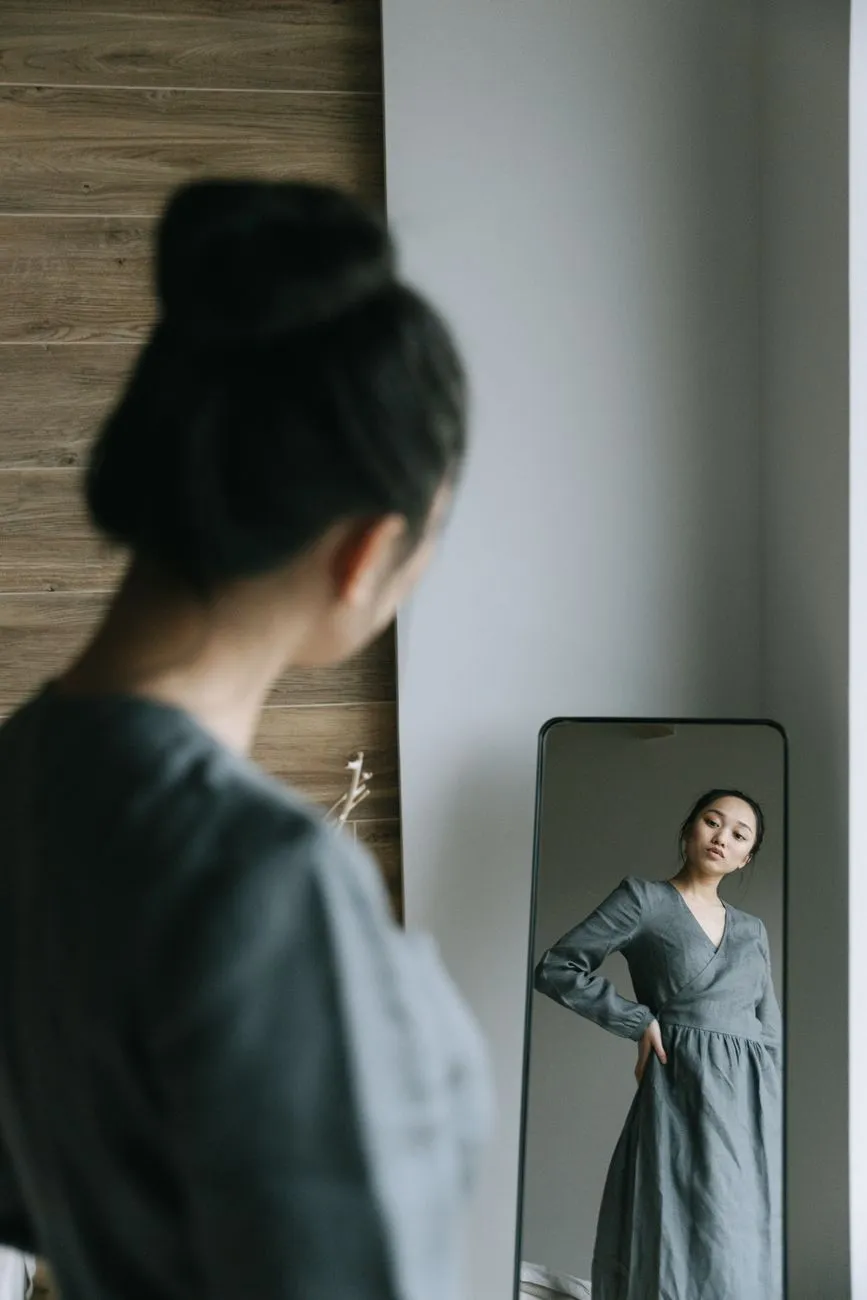 Photo: Ivan S / Pexels
What the AI changes
The top, trousers or dress are replaced with the piece you chose. You can try a top on its own, a top with trousers, or a dress. The AI reconstructs:
- How the fabric falls with your pose. A button-up shirt hangs differently from a T-shirt, and a straight dress moves differently from a flared one.
- Folds and shadows that match the lighting in your original photo.
- Length relative to your body: whether a top ends at your hip or your waist, whether a skirt lands above or below the knee.
- Proportions in a full outfit: whether a top and trousers together look balanced on you.
That’s why a try-on preview tells you far more about “how will this look on me?” than a model photo can. Models have their own height, build and skin tone. A try-on image shows the garment on your own body.
When results are most accurate
A clear input photo
Full body, standing straight, well lit, a tidy background and close-fitting clothes. This is the factor you control most. Our guide on taking a full-body photo for AI try-on walks through it step by step.
A clear product image
A straight-on shot showing the entire garment, unfolded and uncropped. Images on a plain background are usually easier for the AI than a model leaning or sitting.
Common garment shapes
T-shirts, shirts, sweaters, trousers, jeans, skirts and simple dresses. The way these sit on a body is fairly predictable, so the AI reconstructs them more faithfully. If you want ideas for a basic piece, how to style a T-shirt has plenty of combinations worth trying.
When results are less accurate
Very small details
Small printed text, logos, tiny patterns and intricate embroidery can come out blurred or altered. If a top’s appeal lies mostly in fine detail, study the original product photos rather than relying on the preview.
Unusual materials
Sheer chiffon, metallic fabrics, sequins, layered pieces and fluffy textures reflect light in complicated ways. The result may look flatter or shinier than the real thing.
Difficult poses
Sitting, twisting, arms across the body, crossed legs. The AI has to guess the hidden parts, and those guesses are where things drift most.
Fit and stretch
This is the biggest limitation. The AI doesn’t know whether a fabric stretches, and it doesn’t know your actual measurements. A top that looks perfectly fitted in the preview can still be tight across the shoulders or loose at the waist in real life.
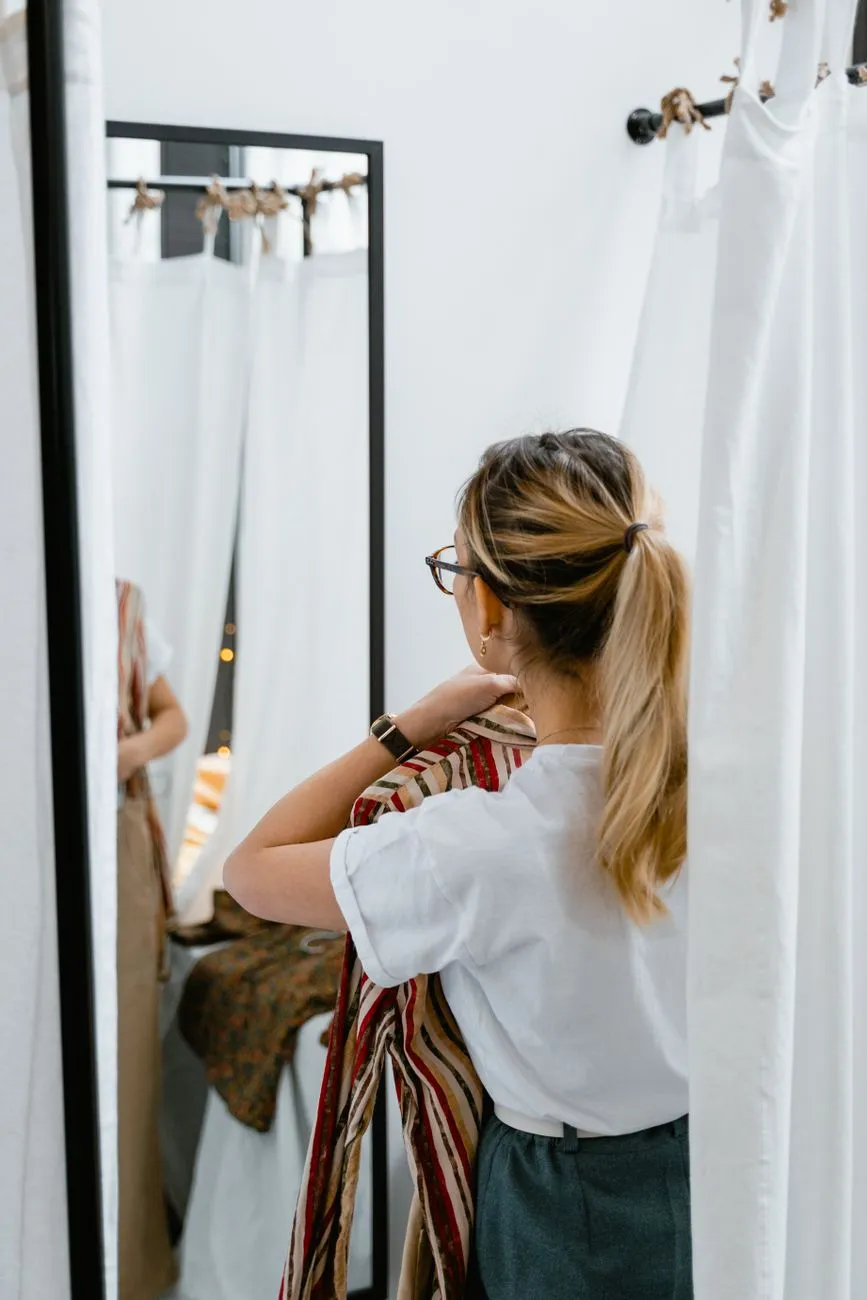 Photo: MART PRODUCTION / Pexels
How to read a try-on result
When the image appears, resist the urge to glance at it and decide “nice” or “not nice”. Look at it in order:
- The colour next to your face. Does it make your skin look brighter or duller? Try-on previews are very good at showing this.
- The shoulder line and neckline. Does a crew neck, V-neck or collar suit your face and shoulders best?
- Length. Where does the top end relative to your hips? Where does the skirt stop relative to your knees? Length changes your proportions more than most people expect.
- The whole outfit. Lean back from the screen and look at the full figure. Is it balanced, or is the top half much heavier than the bottom?
One handy trick: try two or three similar pieces and put the results side by side. Because the pose and background never change, the differences between them jump out.
How far should you trust it?
Use try-on previews to answer two questions: does this shape suit me? and does this colour suit me? The question which size fits? still needs the store’s size chart and your own measurements.
Try-on images are AI-generated previews and are for illustration only. Use them to rule out pieces that don’t suit you before you order, and you’ll send fewer things back. Combine that with measuring yourself, reading reviews and checking the return policy, and you have a solid process. Our guide to trying on clothes online before buying lays it out step by step.
Frequently asked questions
Are my try-on photos used for anything else?
At Macgi, your photos are used only to create your own try-on images. They aren’t posted, shared, used for ads or used to train AI. The temporary copy sent to the AI is deleted automatically within 24 hours, and photos in your profile can be deleted whenever you like.
Why do two tries of the same item look slightly different?
Each result is generated fresh, so small details like the exact folds can vary. The overall shape and colour are usually consistent, and those are the parts worth relying on.
Does a bad result mean the garment doesn’t suit me?
Not necessarily. Before deciding, check that your photo is bright and clear and that the product image shows the whole garment. If both are good and you still don’t like what you see, that style probably isn’t right for you.